
MyJio
Enjoy the best of Jio in one app
Recharge, stream music, pay via UPI, shop, play games, and more.
Download MyJio now


For all your mobile and Wi-Fi connections
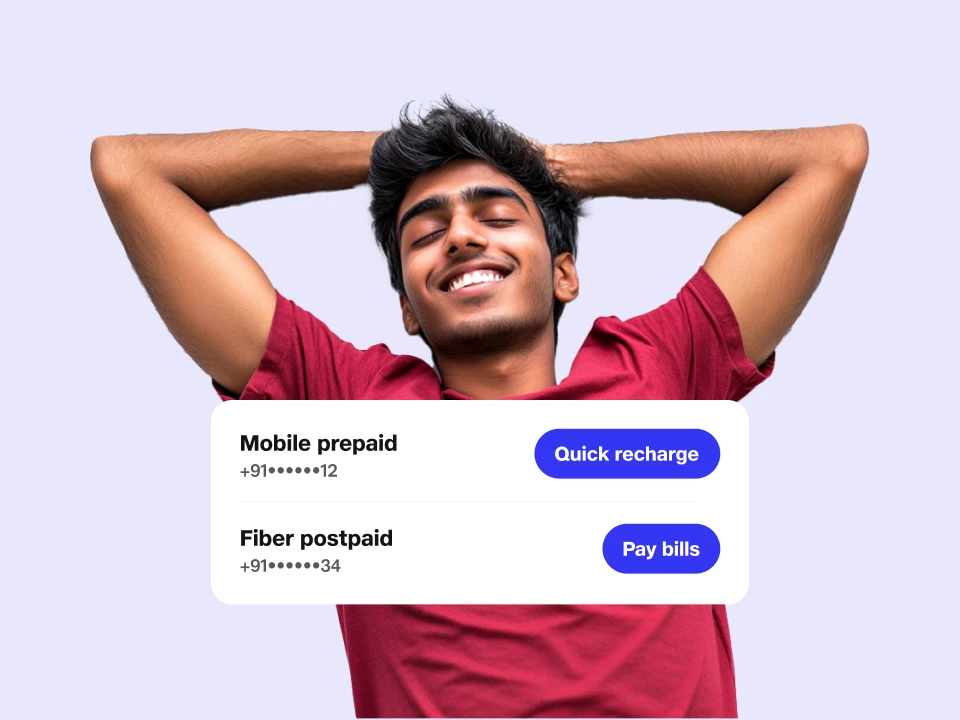
Whether recharging your mobile or Wi-Fi, booking a new connection, or checking your plan status, quickly do it on MyJio.
Manage multiple Jio connections
Have multiple Jio numbers in the family? Or a JioHome Wi-Fi connection at home? Now manage everything in one place with MyJio. Explore all Jio prepaid and postpaid plans for mobile, broadband, and more — right here.
Track your usage, plans, and more
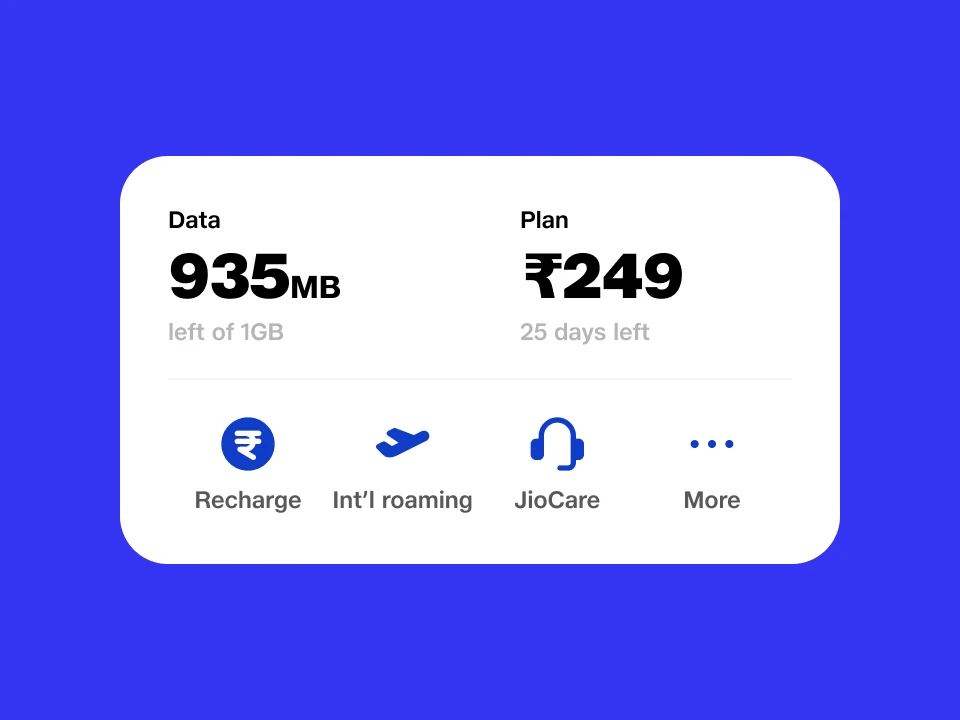
You can check your plan usage in near real-time and stay updated on active services like OTT subscriptions, international roaming, etc., anytime, anywhere.
Get a Wi-Fi for your home
Book your JioHome connection in just a few taps, track the installation, and explore entertainment-packed plans to get started and manage it with ease.

Recharge in a click
Want to continue with your current plan? Do it in one click on MyJio.
Unlimited entertainment
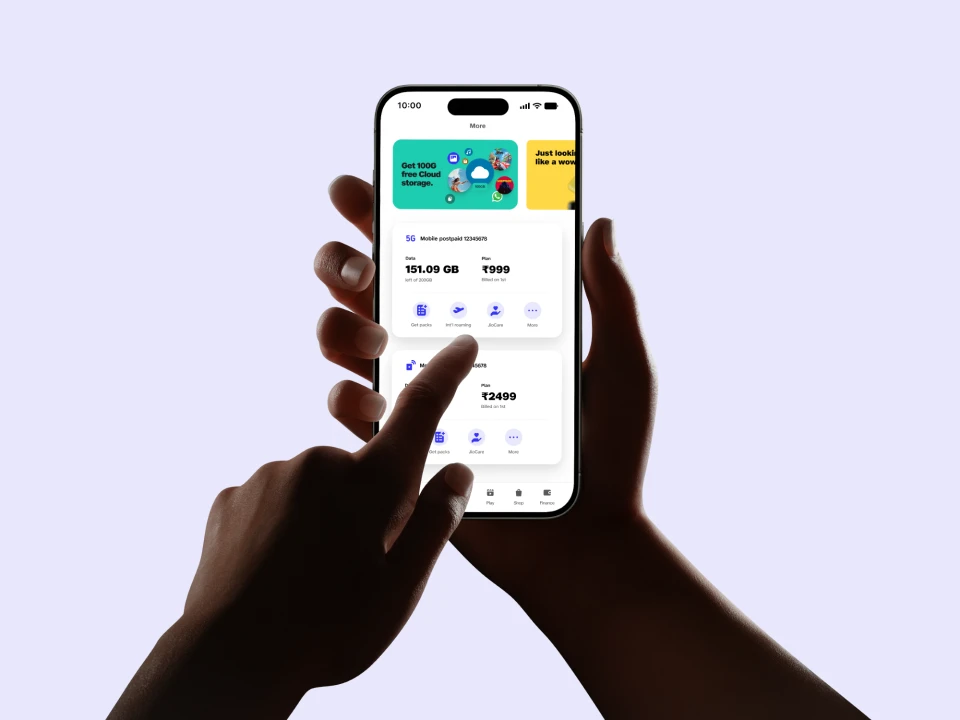
With MyJio you get access to your favourite music, live TV shows, popular web series, and top games.

Millions of songs
Millions of songs
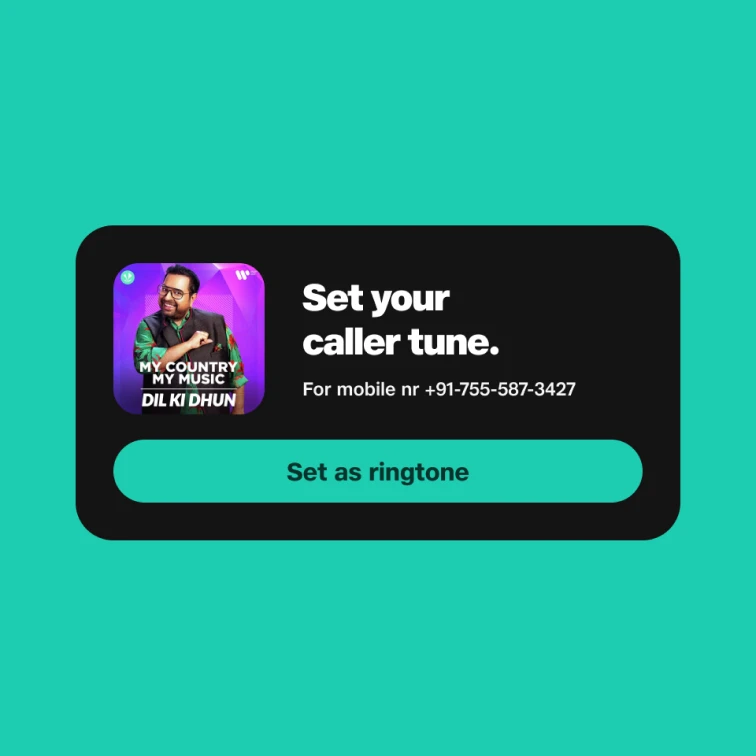
Dive into over 80 million songs, artiste originals, podcasts, caller tunes, and much more.

TV on the go
TV on the go
Stream 1000+ live TV channels for news, kids' shows, sports, movies, and more in 16+ languages.
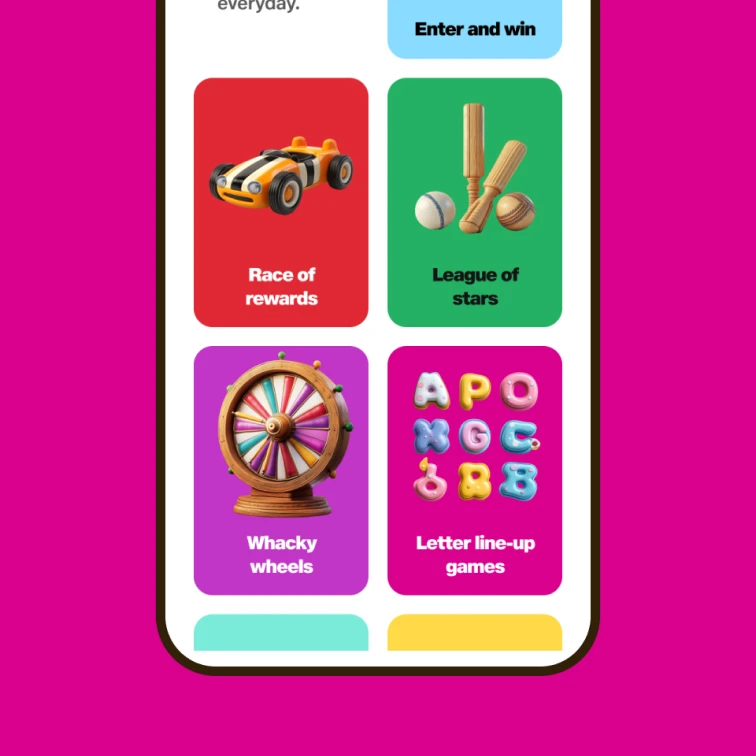
Engaging rewards and games
Engaging rewards and games
Play games, take quizzes, or spin the wheel to win amazing prizes and rewards.

Unlimited games
Unlimited games
Level up your passion for gaming with hundreds of popular games, top esports and much more.
AI-powered cloud storage
AI-power your life with 50 GB of FREE cloud storage, powerful AI tools, and an in-built DigiLocker to keep your documents handy.
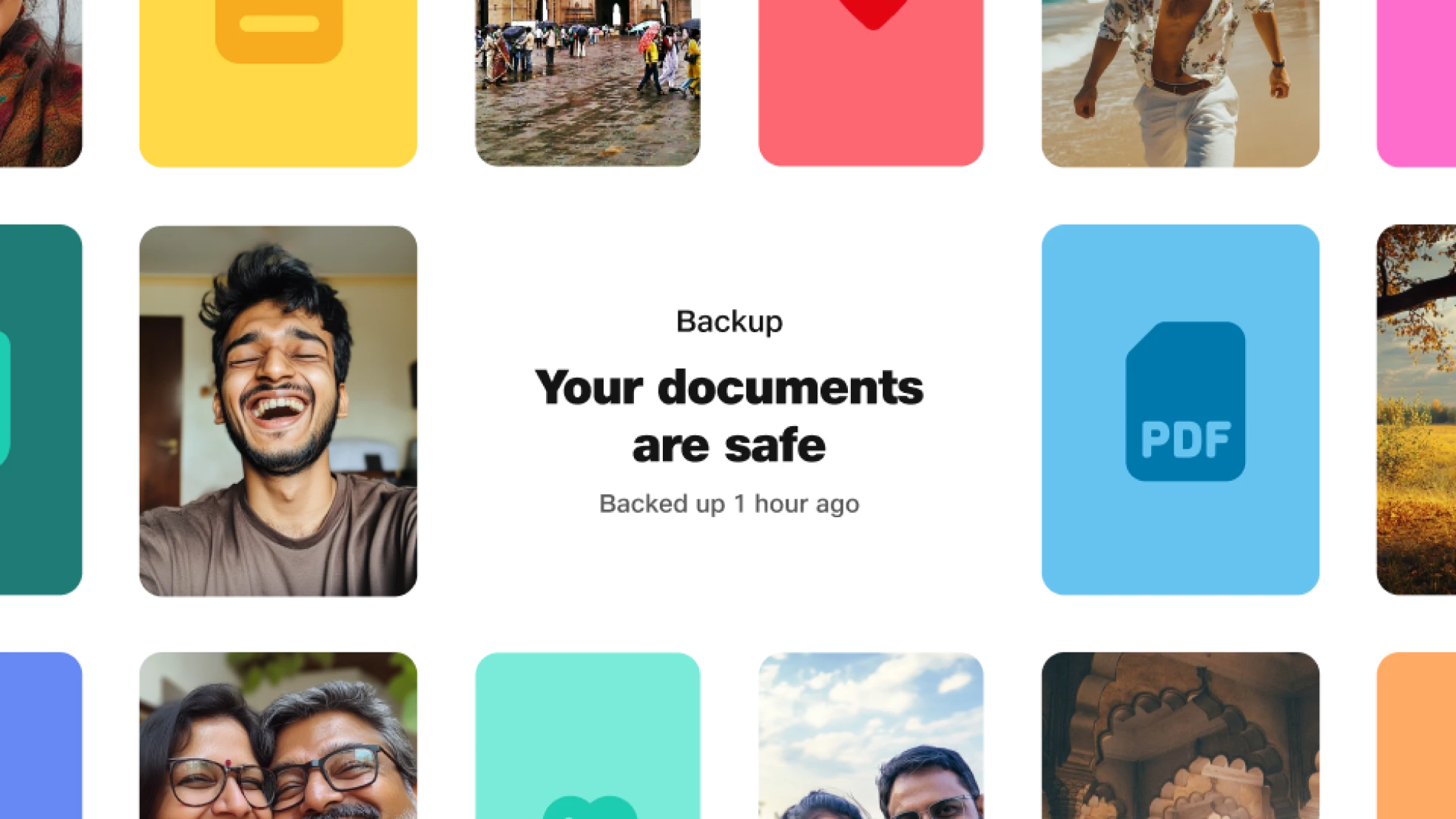
Transform your personal photos and videos into memorable creations with AI features.

A trusted government document wallet, DigiLocker is integrated with JioAICloud.

Your financial companion
Pay bills, buy insurance, plan for the future, and handle emergencies — all in the Finance tab on MyJio.
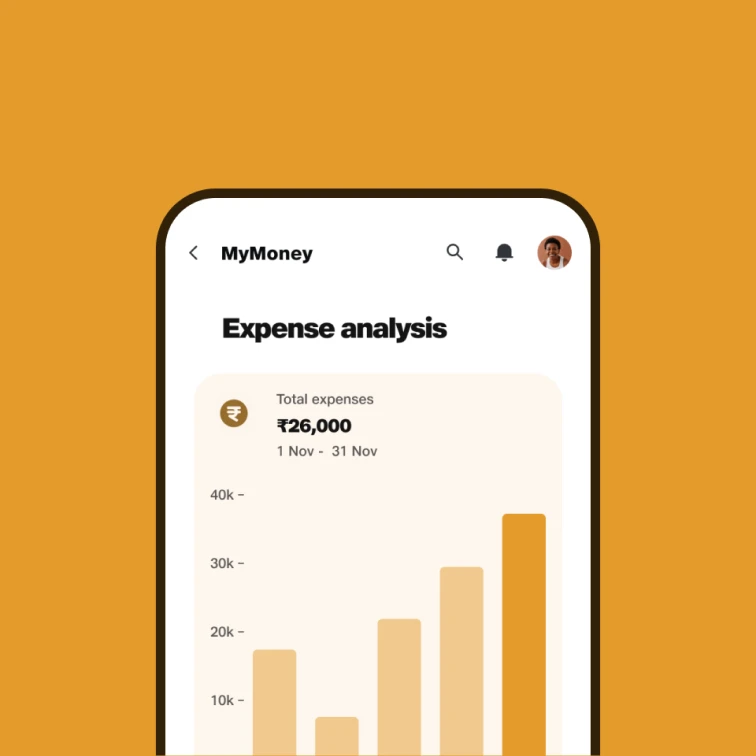
Easy tracking
Easy tracking
Track your earnings, spending, and savings - all in one place with MyMoney.
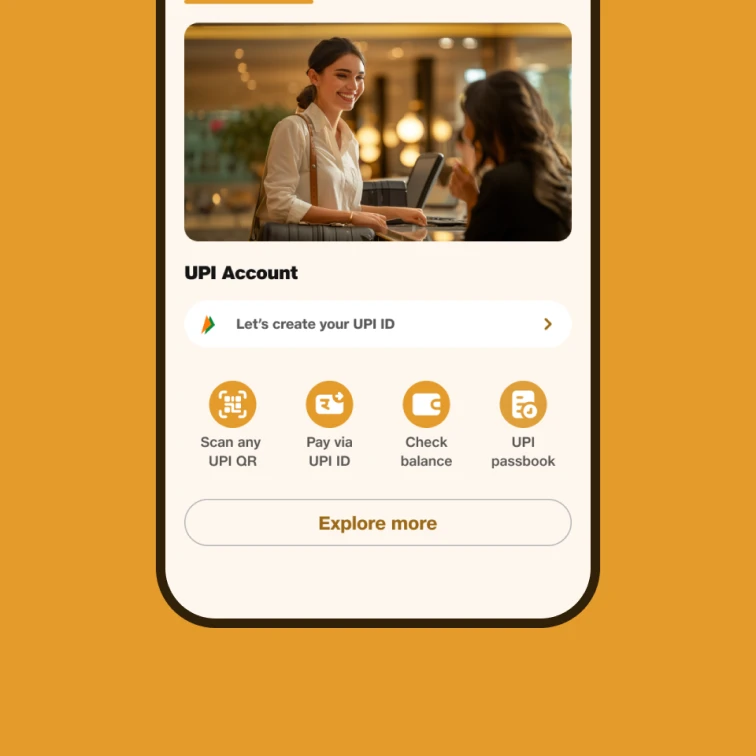
UPI payments
UPI payments
Make UPI payments in India as well as in UAE, Singapore, Bhutan, Sri Lanka, Nepal, and France.
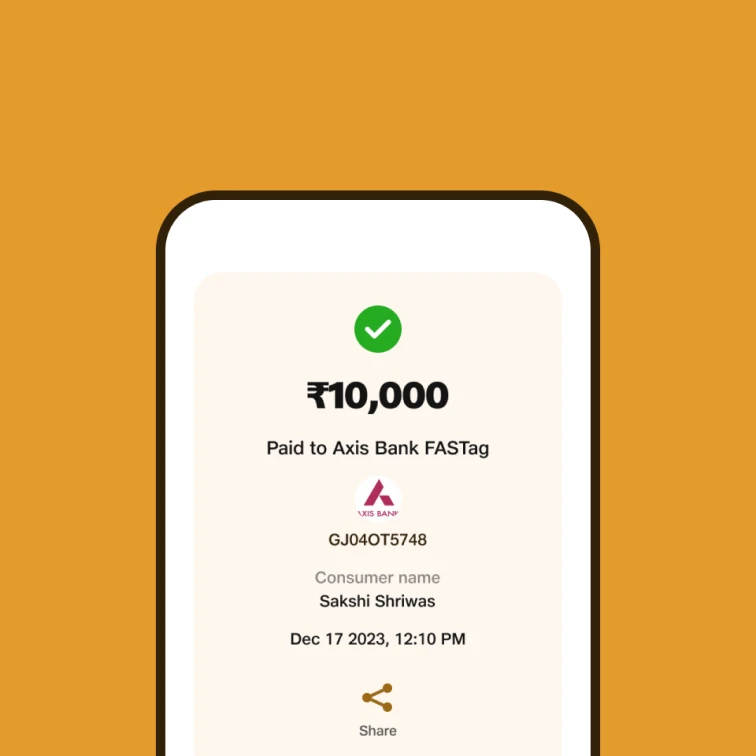
Settle with ease
Settle with ease
Recharge your mobile devices, pay broadband bills, or settle electricity, gas, DTH, and more.

Insurance
Insurance
Buy vehicle and medical insurance plans as well as get loans to fulfill your wishes.
It only gets more awesome
Groceries
Get groceries, home essentials, dairy, vegetables, fruits, and more delivered to your doorstep with no extra cost.

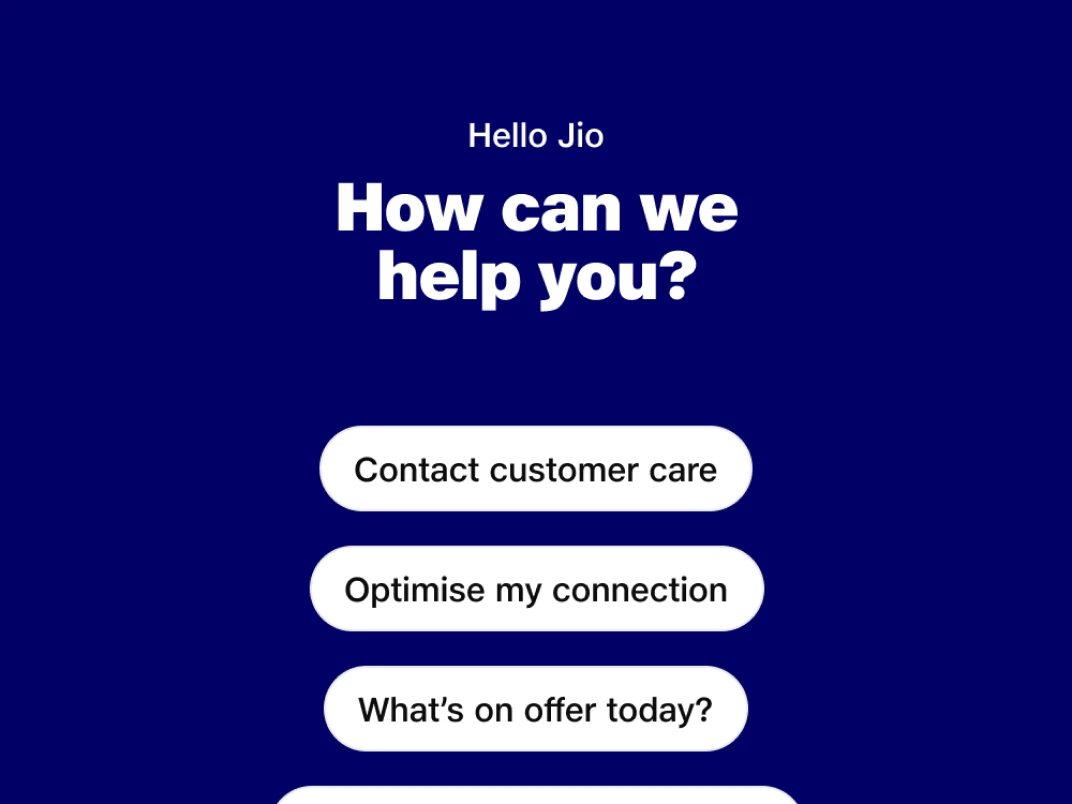
Hello Jio
Chat with us using the AI-powered HelloJio feature and instantly resolve any issues related to Jio products and services.
Exclusive offers
Find exclusive offers on Wi-Fi plans, mobile recharges, and more to get started.
News
Watch short and long-form video stories for real-time updates from live news channels.
Health
Consult doctors online, book lab tests, track health records, and do much more.
E-Learning
With EMBIBE Lens, scan any book page and explore topics in stunning 3D.
JioTranslate
Break language barriers by translating any language into your mother tongue.
Latest Trends
From clothes and bags to shoes, explore and shop for the latest fashion trends.
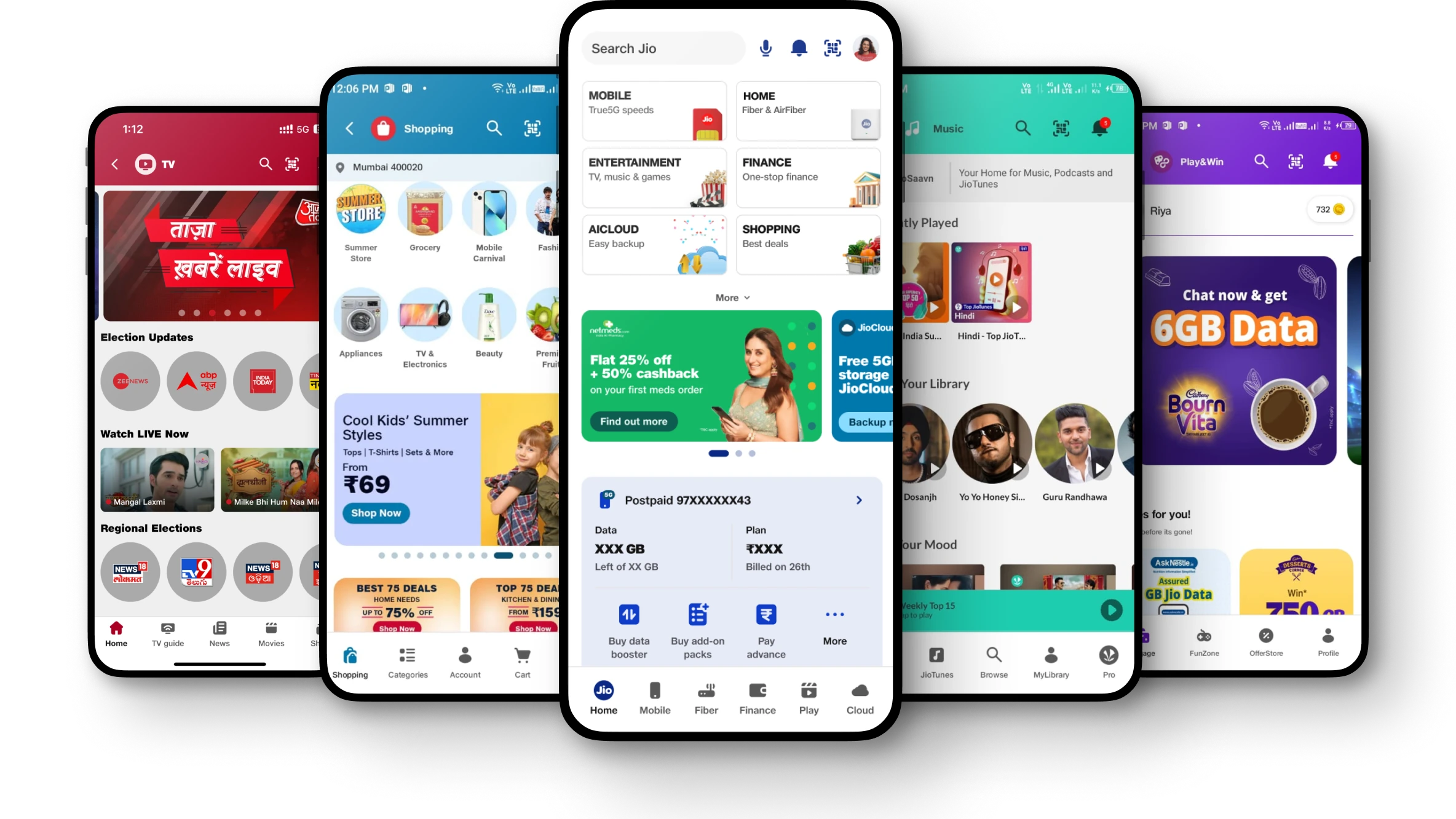
Download MyJio app now
More from Jio

Still have questions? Check MyJio FAQ
What is MyJio app and what can I use it for?
MyJio is a gateway to digital Life. Using MyJio app you can view your high speed data balance, choose from a range of plans to recharge your number and manage your account. You can also view your active 4G plan along with validity, check usage details for your calls, messages & data, generate detailed statements for up to 6 months, locate nearby stores or JioNet hotspots, update registered mobile number or email ID, get support from FAQs, How to videos, Troubleshoot, Helpful tips or you can also talk to our virtual assistant ‘Hello Jio’ for all your queries.
If you have multiple Jio services, you can link them to a single log-in using 'Link New Account' feature.
Note: To login, Open MyJio App and login using OTP (One Time Password).
If you have multiple Jio services, you can link them to a single log-in using 'Link New Account' feature.
Note: To login, Open MyJio App and login using OTP (One Time Password).
How do I check my data balance for MyJio number using MyJio App?
To check your high-speed data balance using MyJio application :
1) Open MyJio App and login using OTP (One Time Password).
2) Your high-speed data balance will be displayed along with validity on the home page under My Account section.
3) You can also view your active and upcoming plan details and validity, by tapping on 'View Details'
How do I access MyJio?
- You can download MyJio app from Play Store or App Store.
- Post downloading MyJio app, open MyJio App and login using OTP (One Time Password).
- The app is compatible with Android OS 5.0 or higher and iOS OS 10.0 or higher.
Can I access MyJio app even when I have no data balance left?
You can access MyJio from a Jio data network, even when you have exhausted your data. Your Jio data will not be charged for using MyJio.
Can I change my personal details?
You can change your personal details such as registered mobile number, registered email ID, preferred mode of communication etc. using the MyJio app or on Jio.com.
Using MyJio app:
- Sign In to MyJio app
- Tap on 'Settings icon' from the Menu option. Here you can update your personal details
- Login with OTP and click on the profile icon
- Go to the Profile Settings and change the details you want to update

