
JioMeet
It almost feels like meeting face-to-face

Host and manage your business and personal meetings with ease and flexibility.
Download JioMeet now

Simple, secure, and reliable
Made in India, JioMeet is an enterprise-grade video-conferencing app for securely hosting business meetings or one on one calls.
Free and unlimited
JioMeet is completely free for everyone. Users can have an unlimited number of meetings, with each meeting lasting up to 24 hours and can have up to 250 participants.
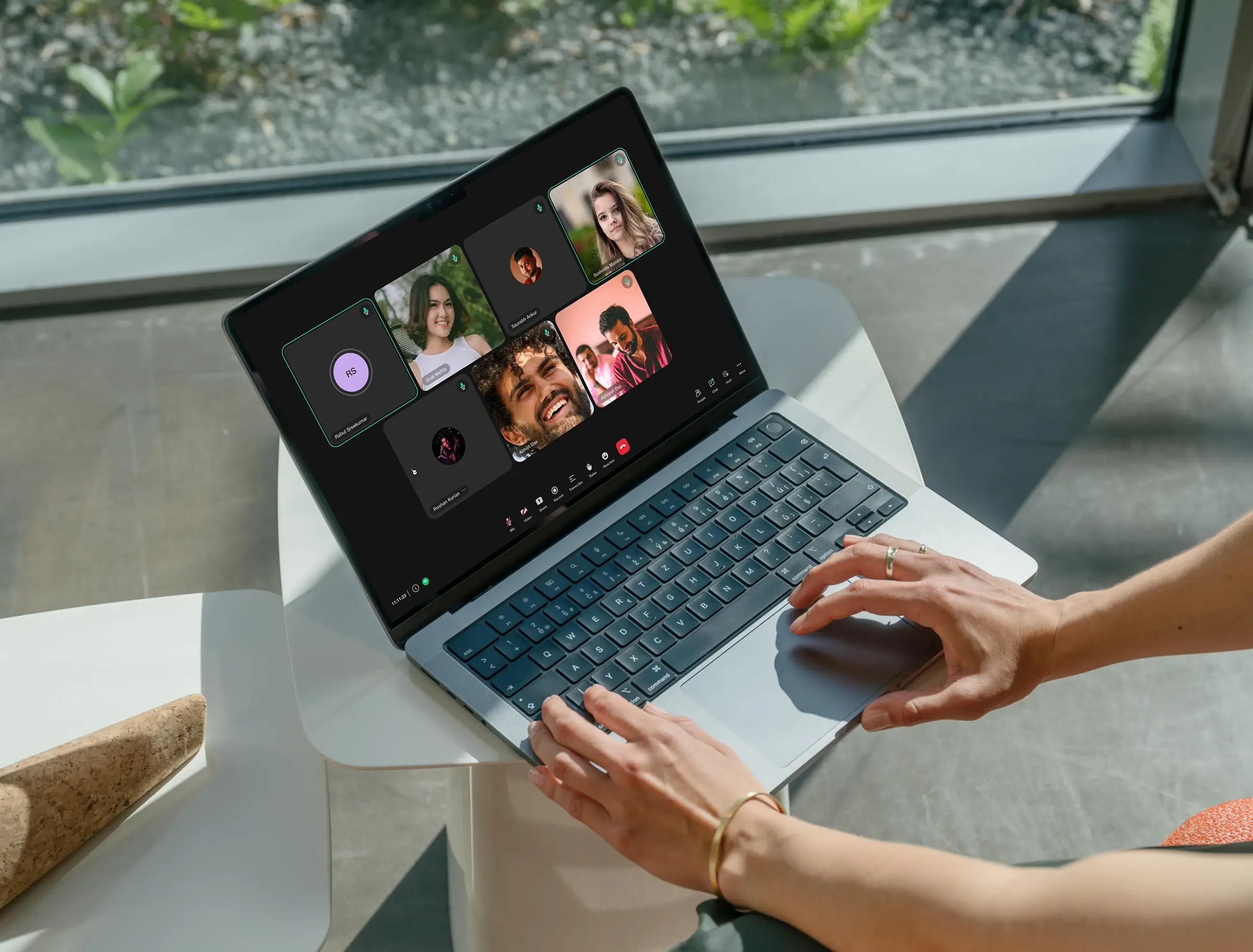
Stay connected and work from anywhere
Stay safe from COVID-19 and work from anywhere. Accomplish more in your business, office, education, healthcare and personal life.

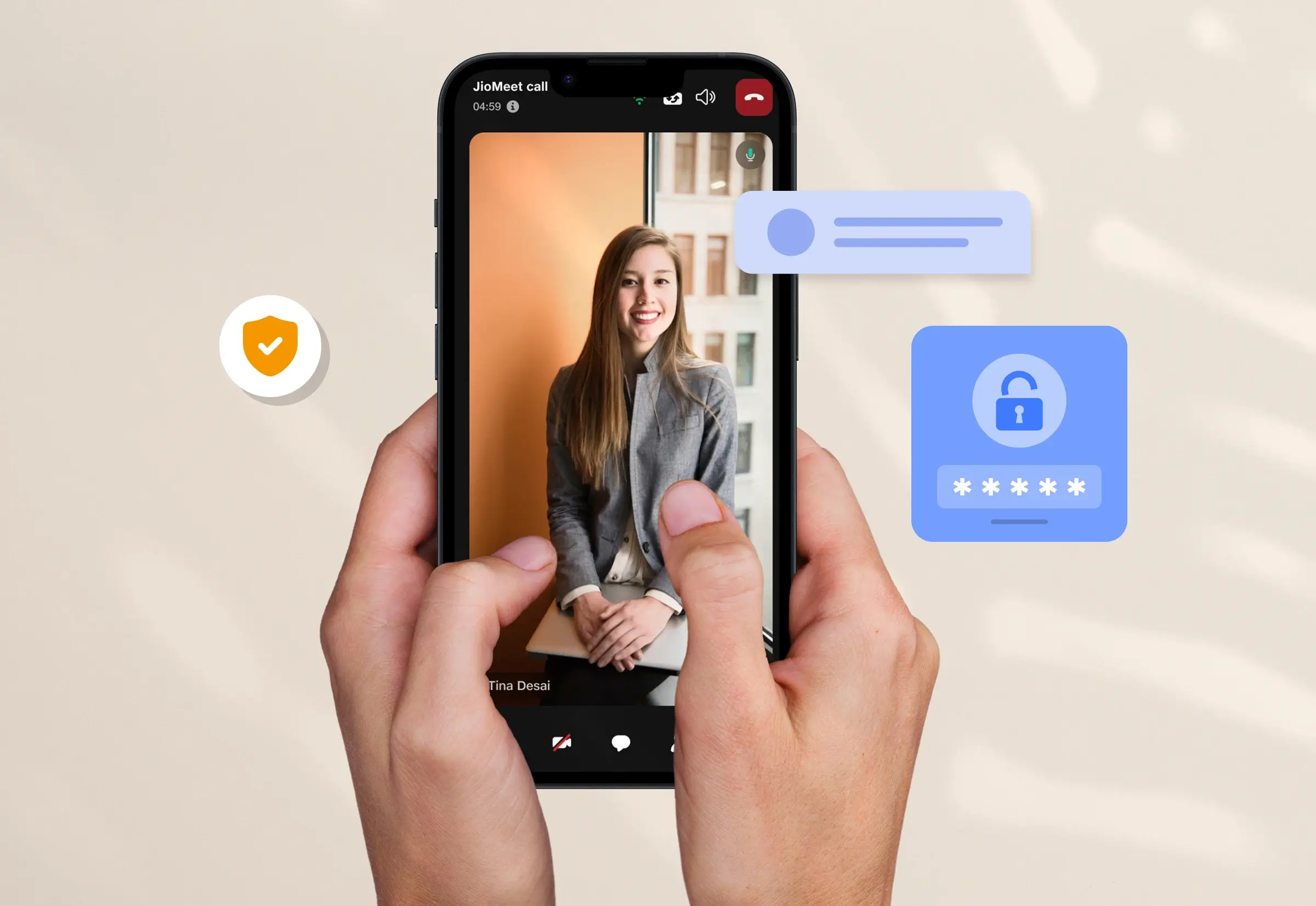
Privacy ensured, confidentiality guaranteed!
STQC-certified, secure meetings with password protection and random Meeting ID. Industry-standard data encryption and compliance to globally accepted security and privacy norms. And to top it all, your data is stored exclusively inside India.
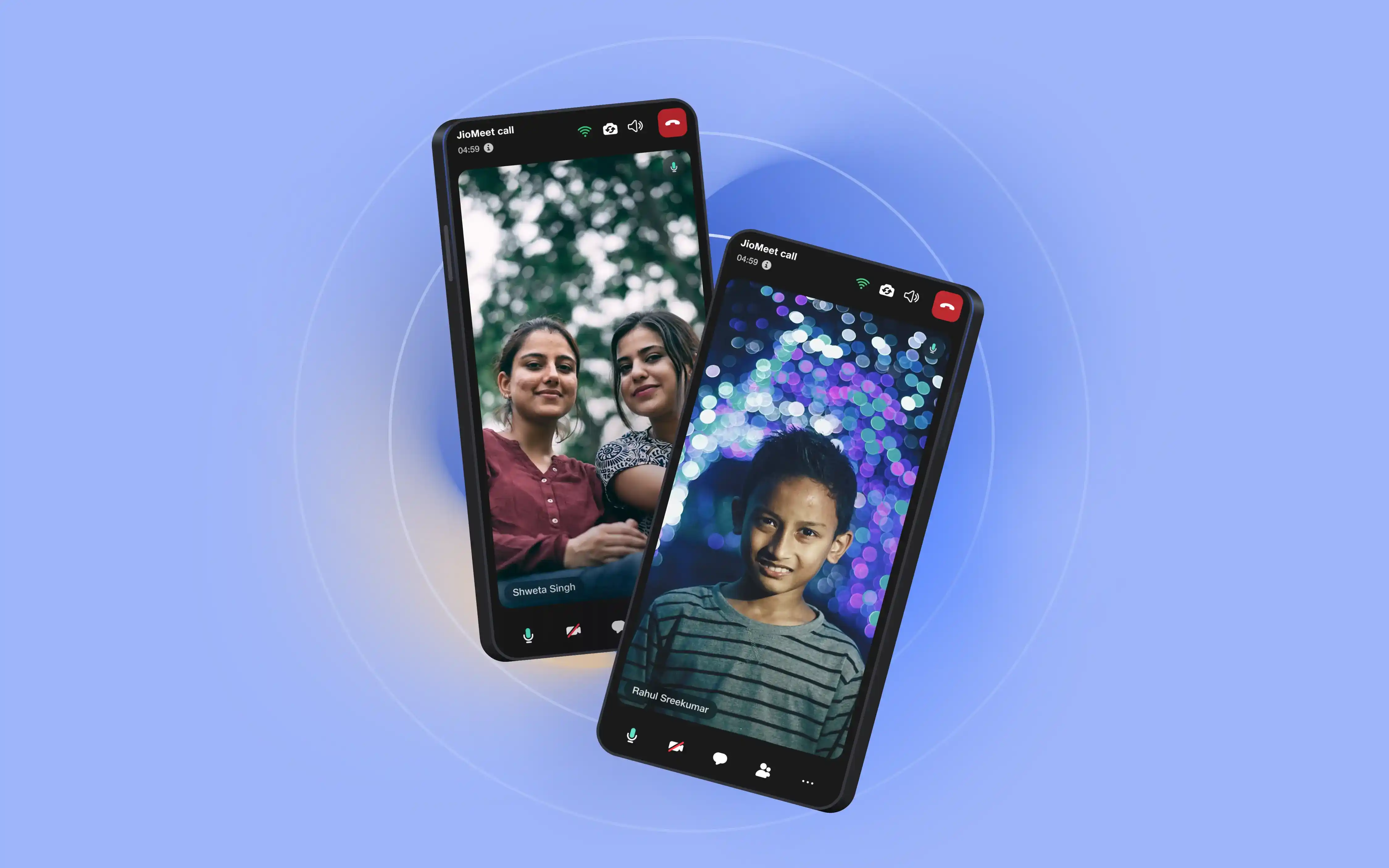
Made in India, made for the world
JioMeet is an indigenously developed video conferencing platform for solving Indian needs and use cases. In solving for India, JioMeet is solving for the world. JioMeet is a step in the journey, for realising the vision of ‘Atmanirbhar Bharat’.


FAQ
How can I download JioMeet App?
On Mobile Device – Go to Play Store/AppStore, download the Android or iOS app.
On Desktop – Visit https://jiomeetpro.jio.com/home#download and download the JioMeet application.
On Desktop – Visit https://jiomeetpro.jio.com/home#download and download the JioMeet application.
What are the recommended system requirements to attend a JioMeet call?
|
Platform |
OS Version |
RAM |
|
Android |
5.0 and above |
Min. 2 GB |
|
iOS |
9 and above |
Min. 1 GB |
|
Mac |
10.13 and above |
Min. 2 GB |
|
Windows |
10 with Microsoft .NET Framework 4.5.2 (x86 and x64) and above. |
Min. 4 GB |
How can I start a meeting in JioMeet?
On your JioMeet App, you can directly start/host a meeting by clicking on the 'Start New Meeting' option on the home tab. Since JioMeet is a powerful video meeting app, this lets you begin instantly with just a tap.
You can also Plan a Meeting for any desired time.
You can also Plan a Meeting for any desired time.
How do I schedule/plan a meeting in JioMeet?
Open JioMeet app, Home >> Click Plan a Meeting >> Fill the details >>Click Schedule
*Please Note: You can schedule a meeting 1 minute ahead of the system time.
*Please Note: You can schedule a meeting 1 minute ahead of the system time.
How can I Join a JioMeet Meeting?
There are two ways in which you can Join a Meeting on JioMeet
- Click on the link provided to Join the Meeting
- You can also Join the Meeting by entering the meeting credentials.
To do so you can follow these steps
Step 1. Open JioMeet App
Step 2. Click "Join a meeting”
Step 3. Enter Meeting ID; Meeting Password and click on Join Meeting.

