
JioTag (2nd generation)
Tag it, locate it.
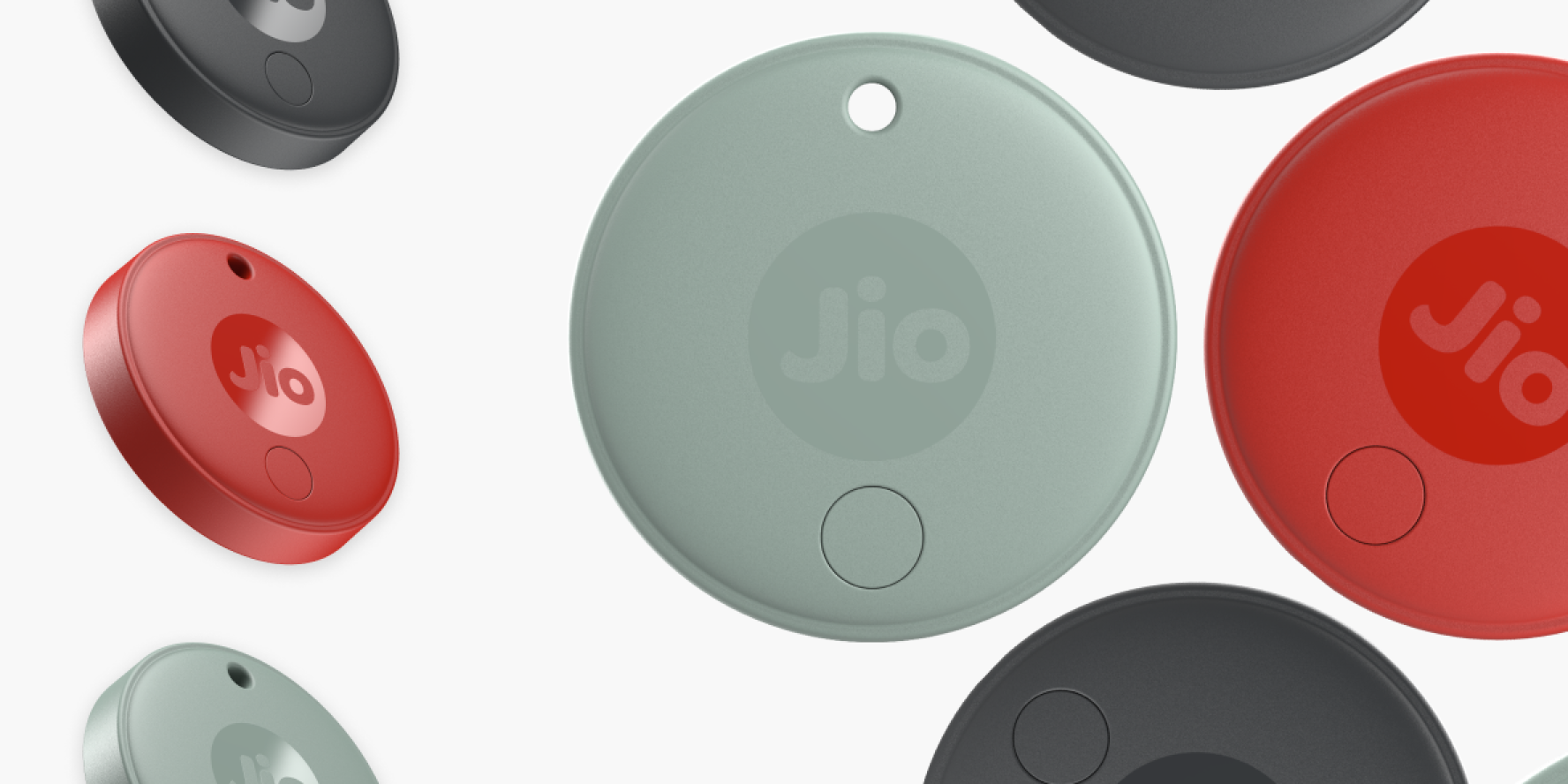
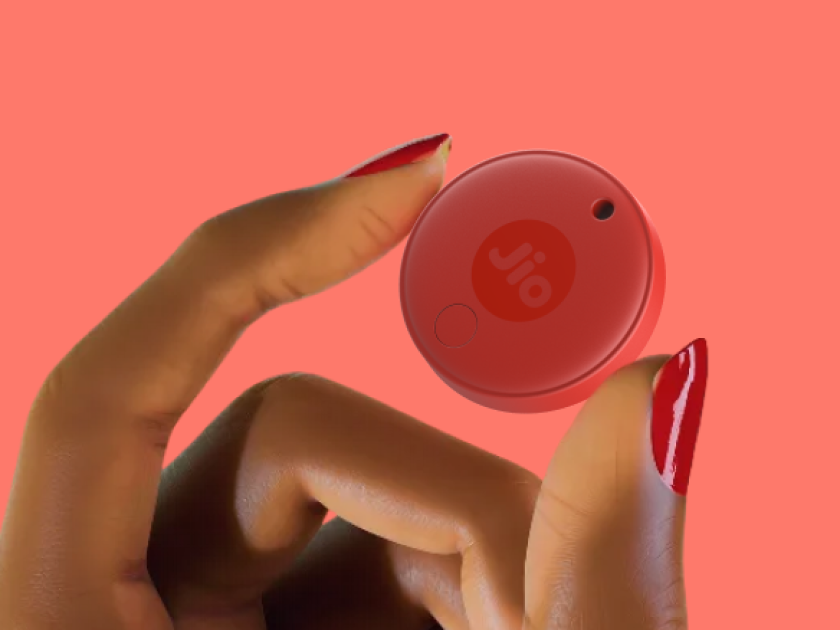
Keep track of keys, wallets, bags, luggage and more with JioTag.
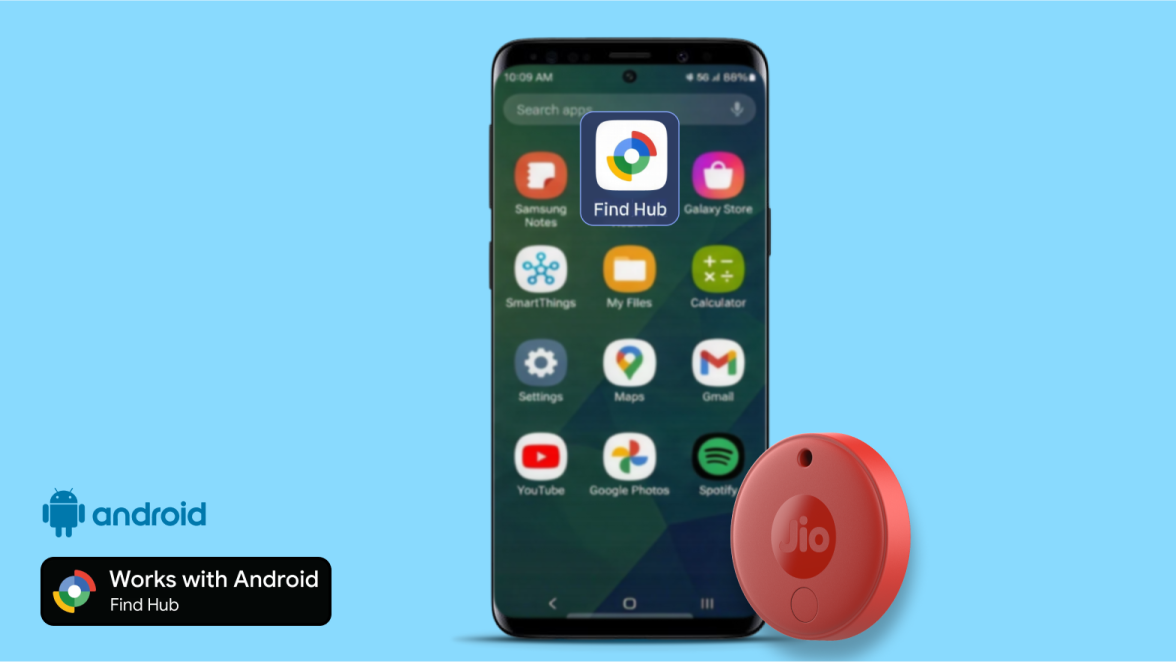
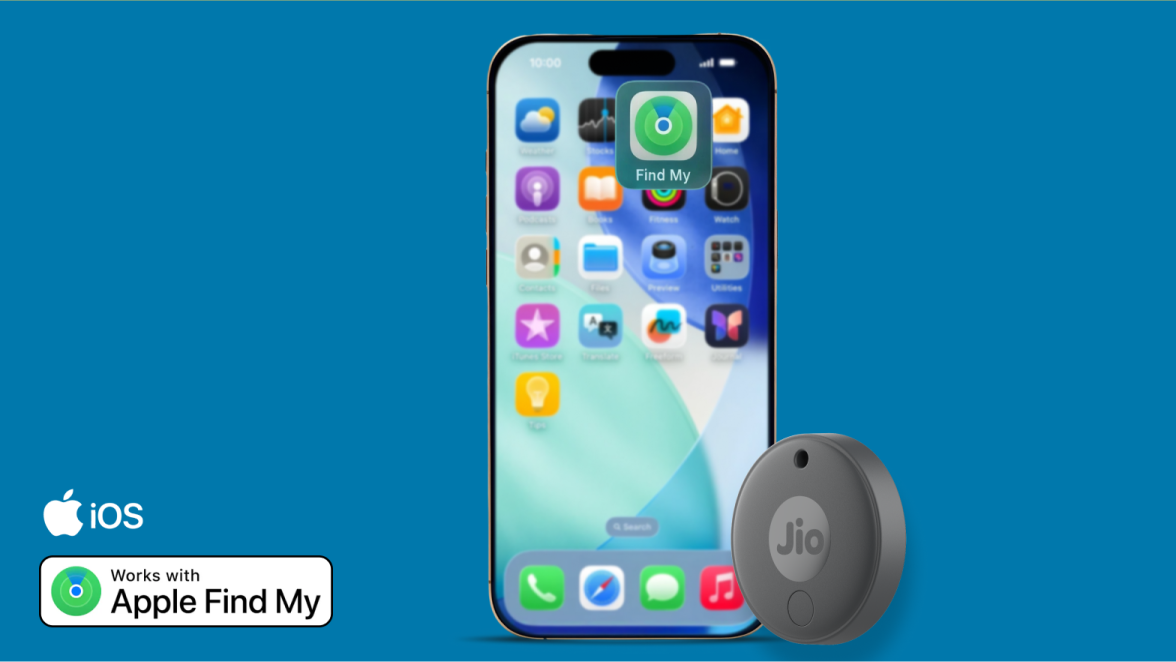
Seamlessly works with Apple Find My™ and Google Find Hub to help you locate your belongings with confidence.
Seamlessly works with either


Designed to locate and recover faster.
Loud Built-in Alarm
Sound a 120 dB beep to find nearby items instantly.
Smart Item Finder
Out of range? Check the last known location and rely on the global network to update it.
No SIM or Subscription Needed
The JioTag global item finder does not require any SIM cards or subscriptions.
Now available in beautiful colours.
Get your JioTag (2nd generation) in three vibrant colours - Red, Grey and Olive
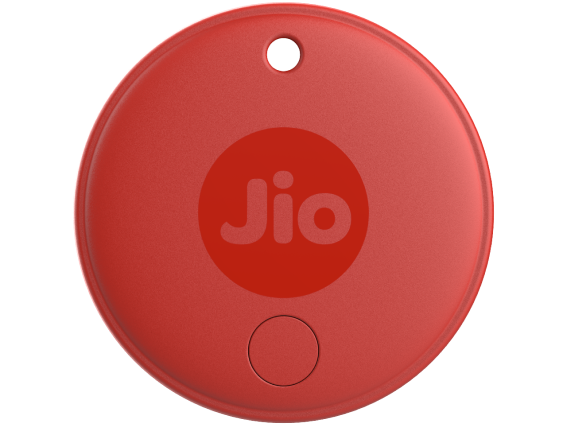
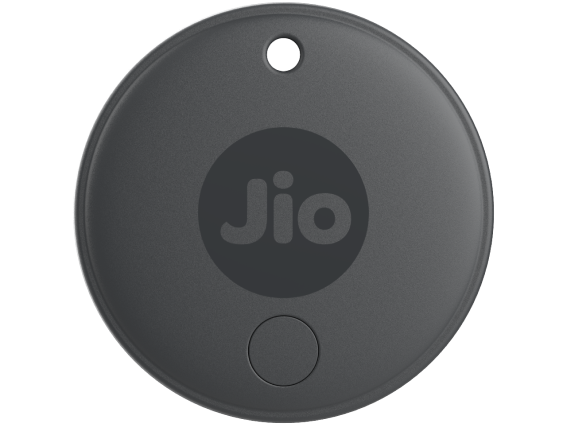
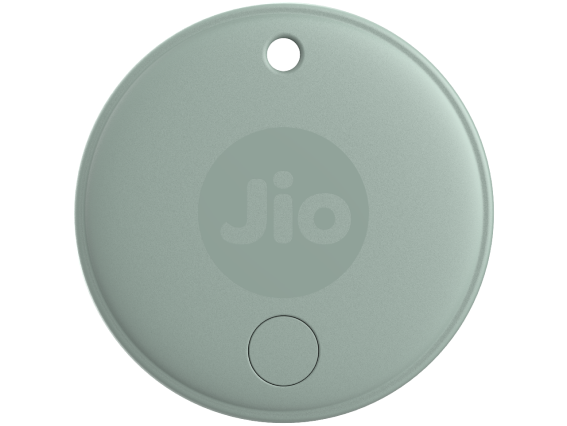
Easily find your belongings.
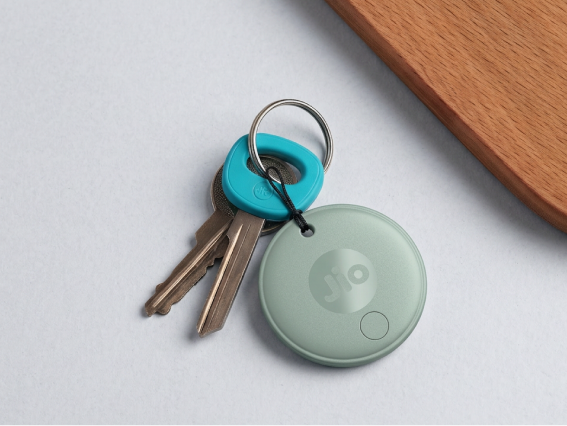
Everyday essentials
Everyday essentials
Attach JioTag to the things you often misplace — keys, wallet, luggage, laptop bag — and save yourself the daily hassle of searching.
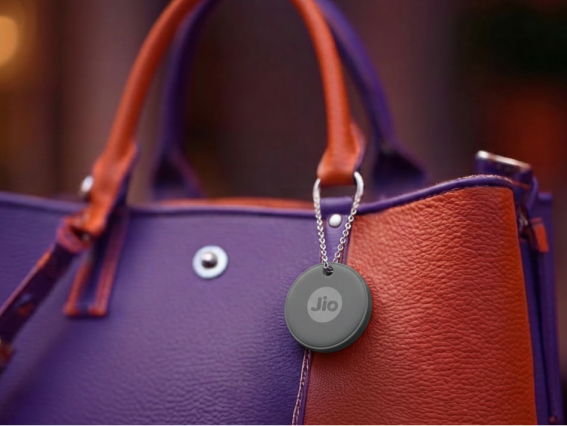
Travel and luggage
Travel and luggage
When travelling, JioTag can help you track suitcases or backpacks — locally and internationally.
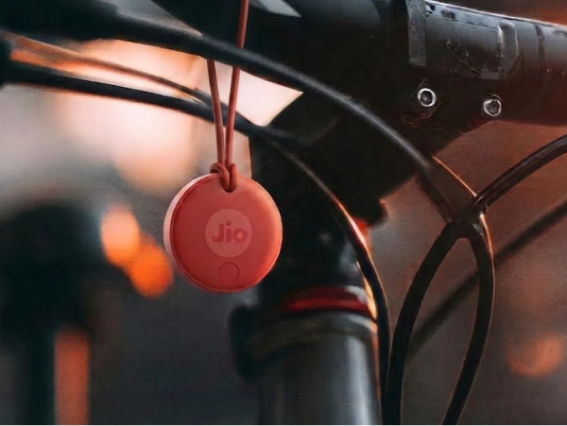
Family and shared items
Family and shared items
You can share access to the JioTag with trusted family/friends — handy when everyone wants the car keys.
Long battery life and low maintenance.
Year-long battery life, plus a spare.
Uses a standard CR2032 battery that lasts up to 12 months, with a spare included — and you can replace it yourself.
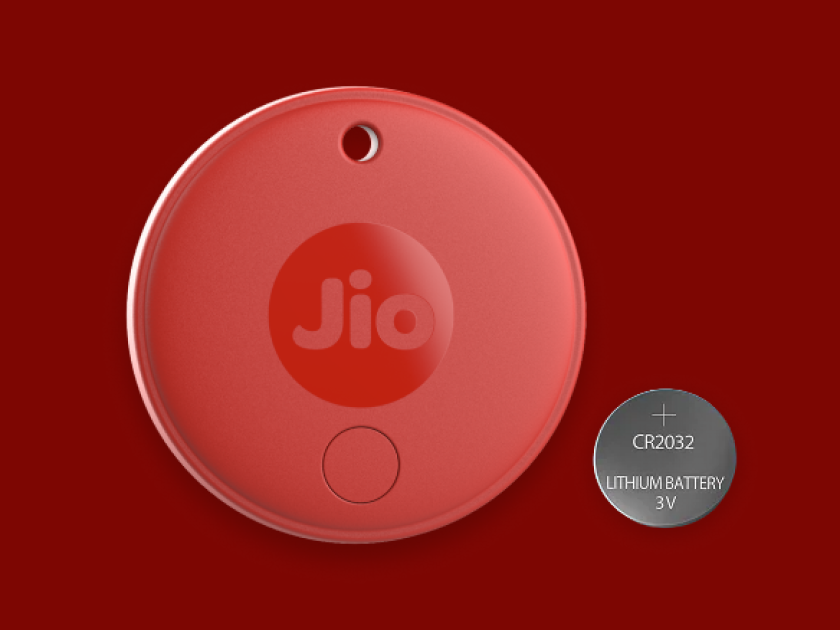
Lightweight and rugged.
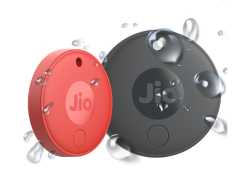
Compact at 32 mm diameter and 8.9 mm thickness, the IP64 rated splash and dust proof JioTag (2nd generation) attaches easily to keys, wallets or luggage without adding any bulk - simply treat it like any other accessory.
Effortless setup that works across your devices.
Shop with Jio
Shop from JioMart
The JioTag series is now available at your favourite online retailer - JioMart.
Free and fast delivery
JioMart delivers JioTag quickly to your home, with zero delivery charges anywhere in India.
We’re here for you
If you face any issues with your order, just reach out to JioMart’s customer care team.
Still have questions?
How will the second-generation JioTag help me in my day-to-day life?
The second-generation JioTag helps you find everyday items such as keys, wallets, luggage, documents, cameras, and other valuables if they are lost or misplaced. Simply, attach the JioTag to your item and track its location using the Apple Find My app on iOS or the Google Find Hub app on Android.
Does the second-generation JioTag need a SIM card?
No, the second-generation JioTag does not need a SIM card. It uses Bluetooth and supported finding networks to help you locate your tagged items.
Can I use the second-generation JioTag to find items indoors and outdoors?
Yes, you can use the second-generation JioTag to locate items both indoors and outdoors. It securely updates your item's location through nearby compatible Android or Apple devices without sharing other users' personal information.
Is the second-generation JioTag compatible with all mobile phones?
The second-generation JioTag is compatible with Android phones running Android 9 or later, and iPhones and iPads running iOS 14.5 or later.
Which app should I use with the second-generation JioTag?
Use the Apple Find My app if you have an iPhone or iPad. If you use an Android phone, pair your second-generation JioTag with the Google Find Hub app.

