
Connect with us
Download MyJio


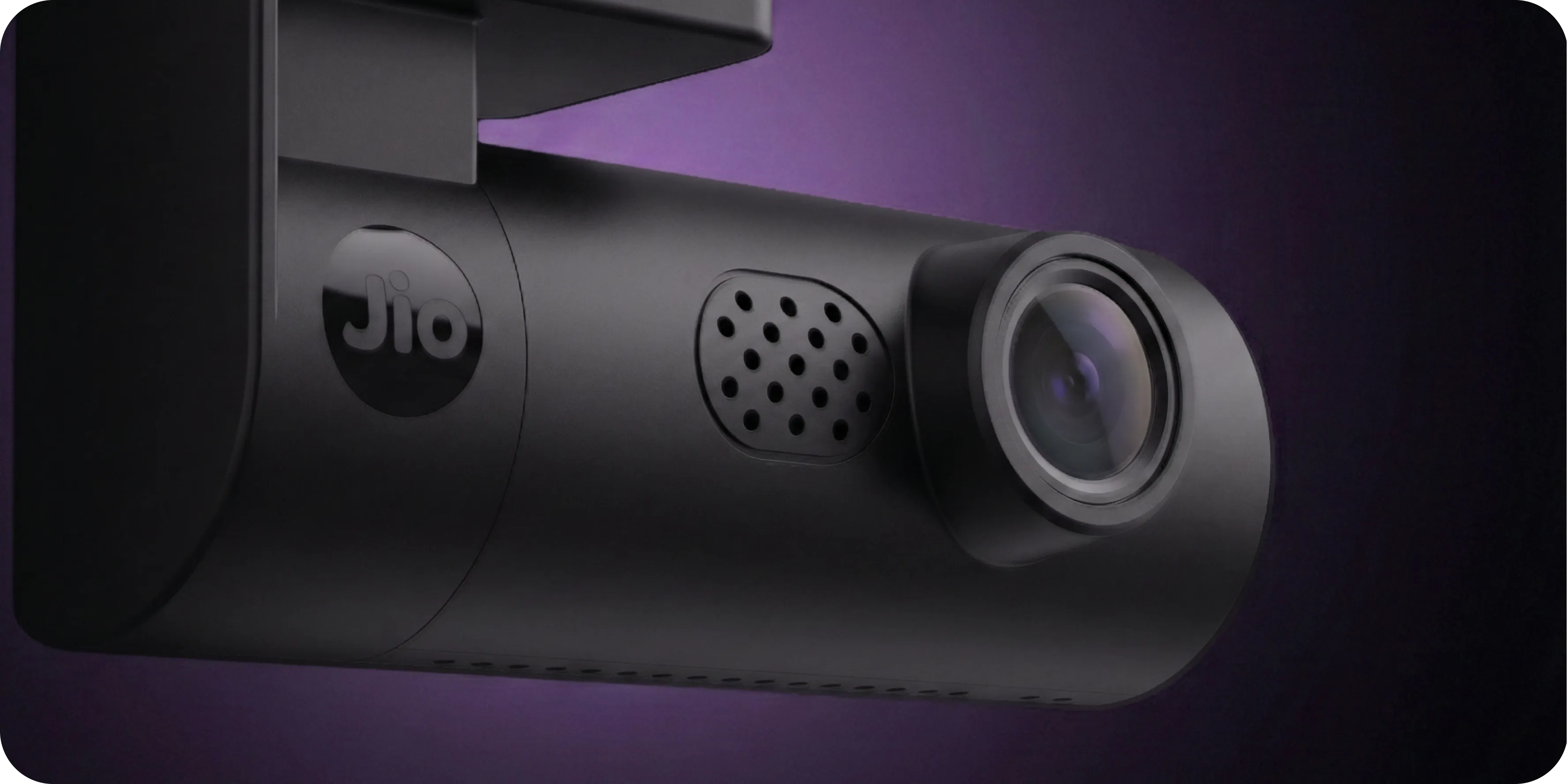
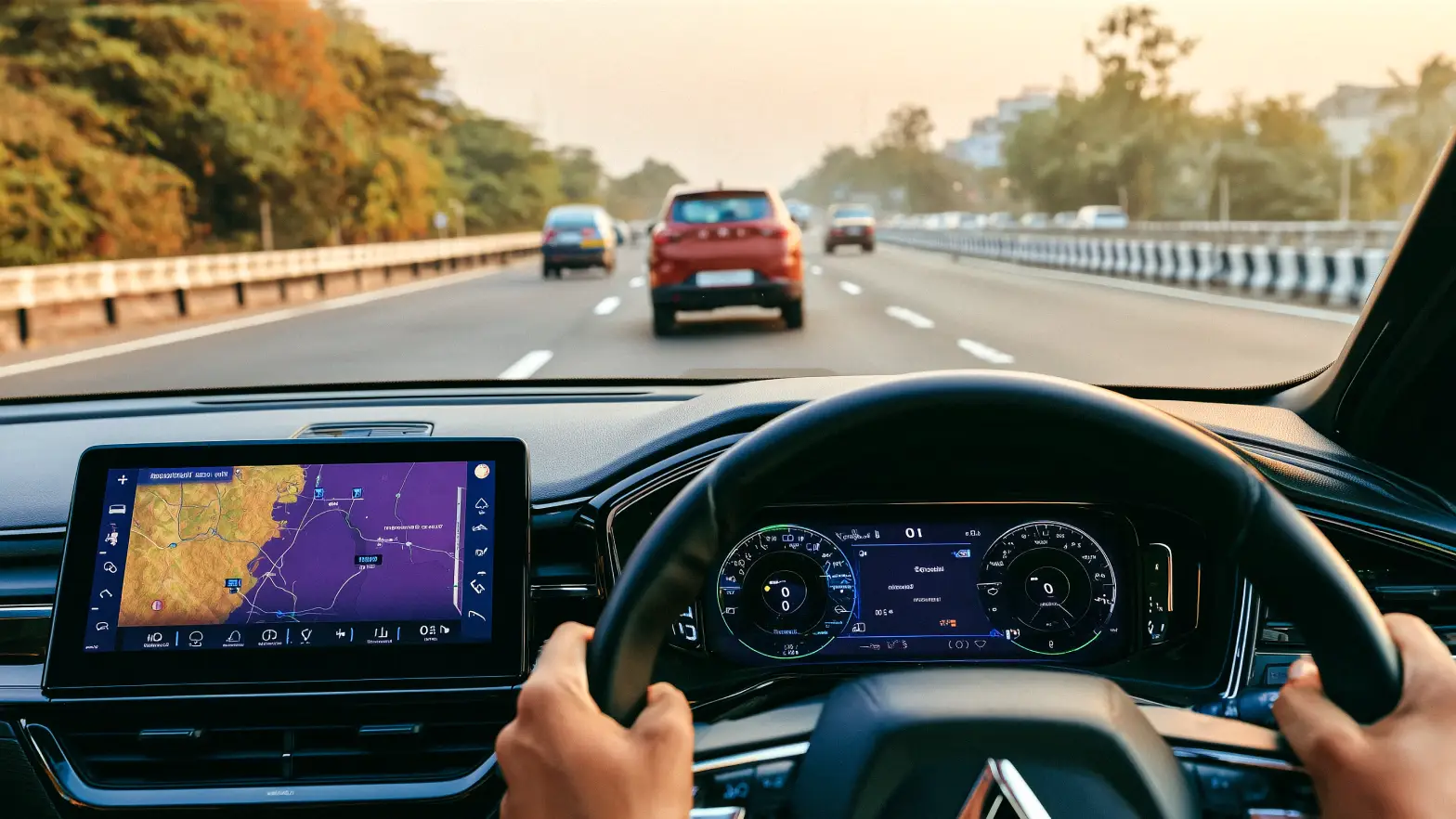


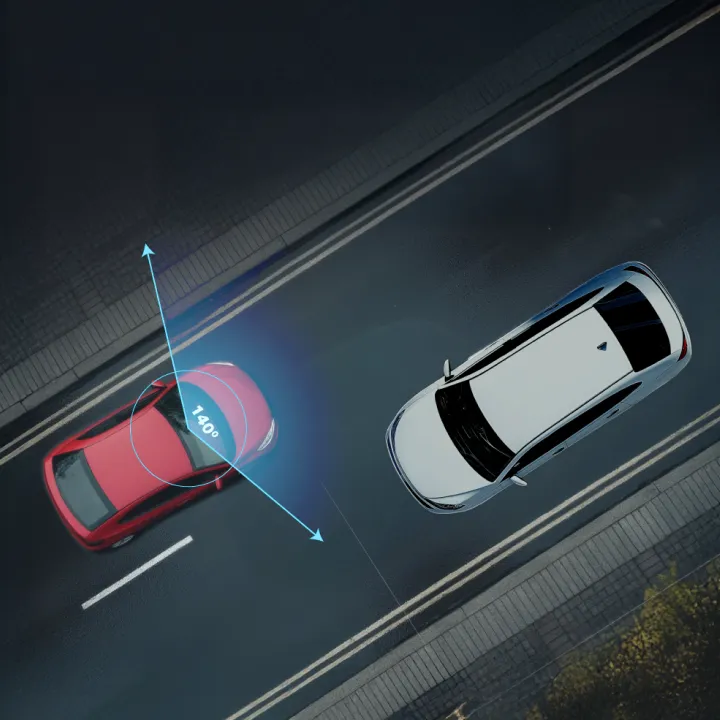

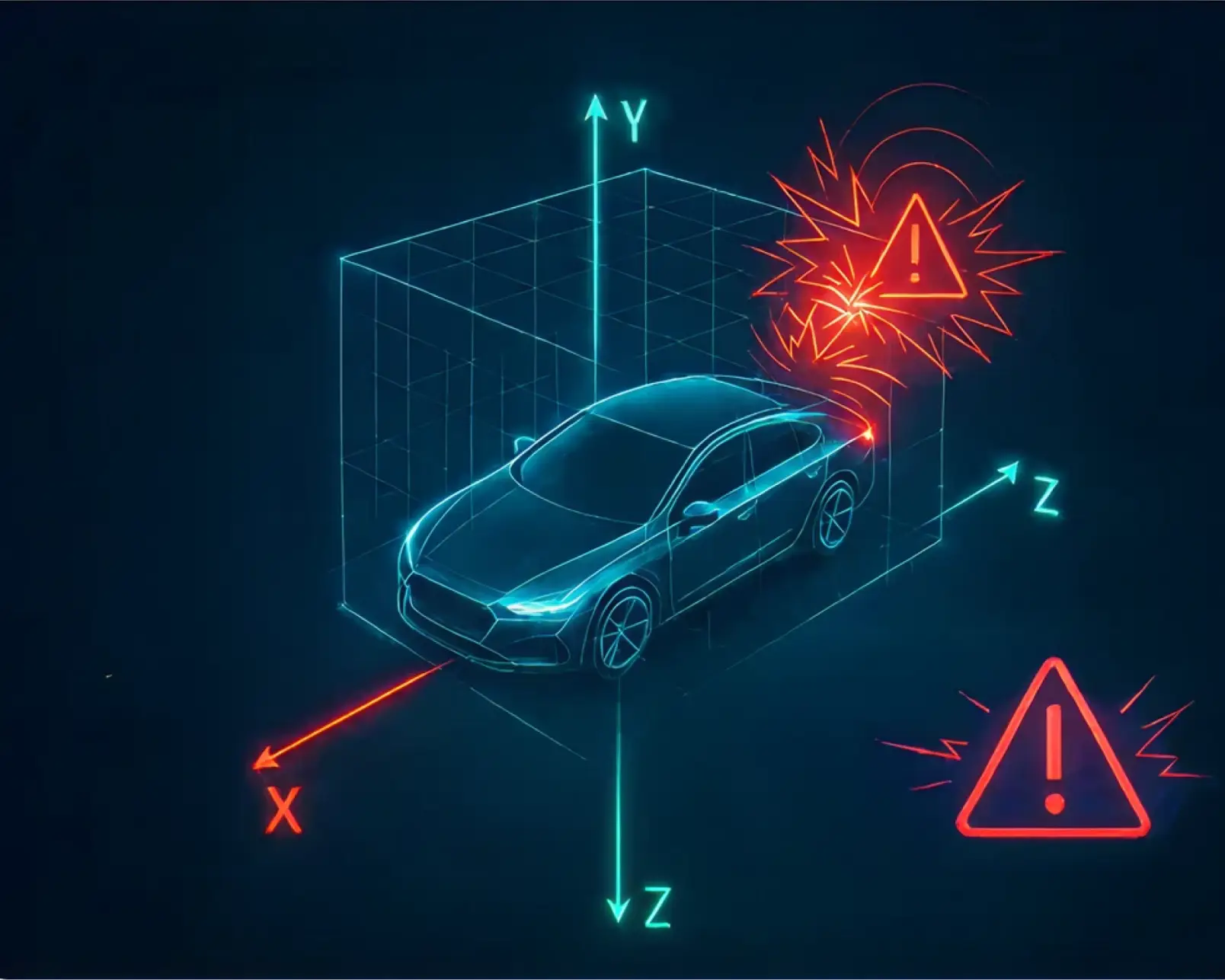
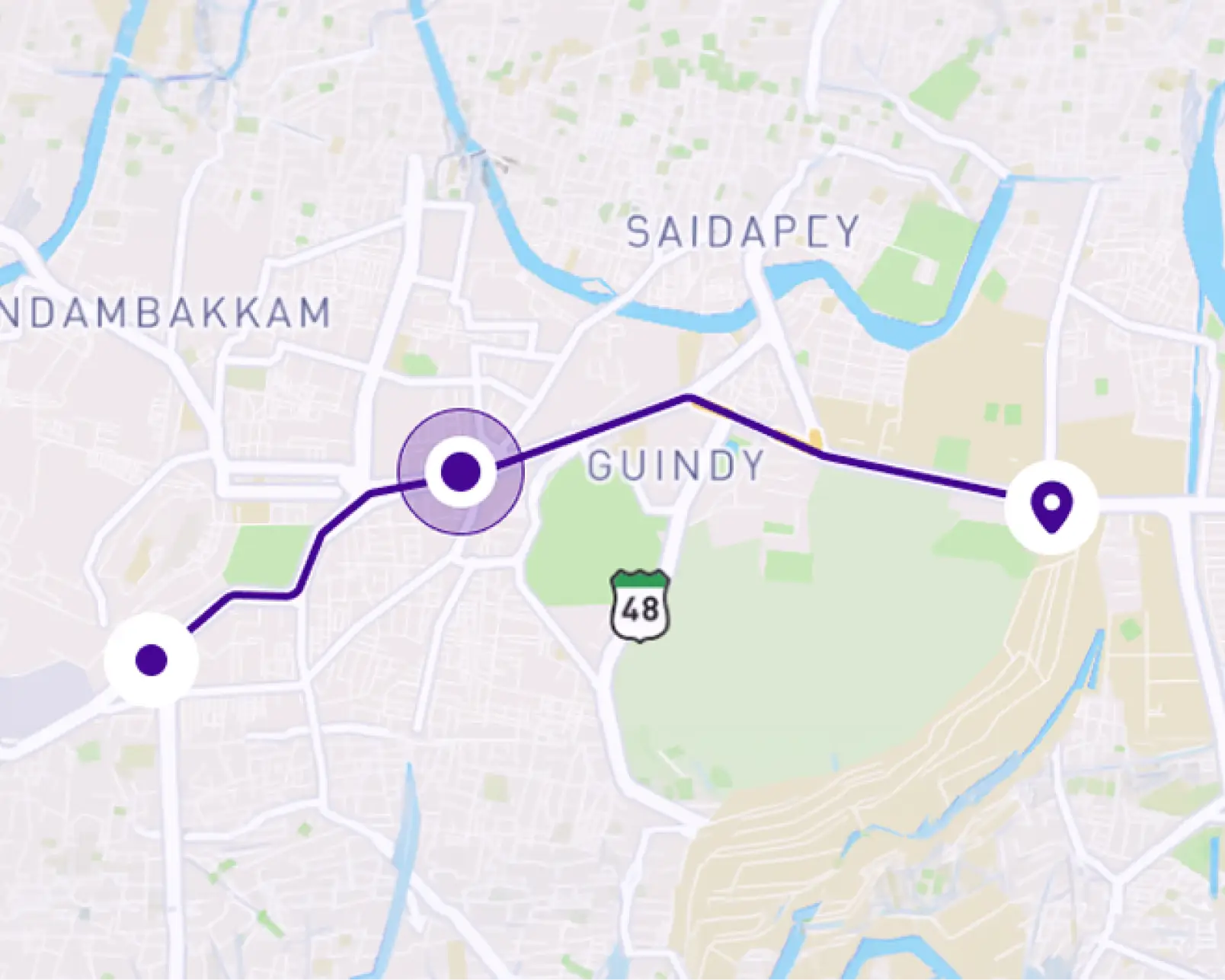
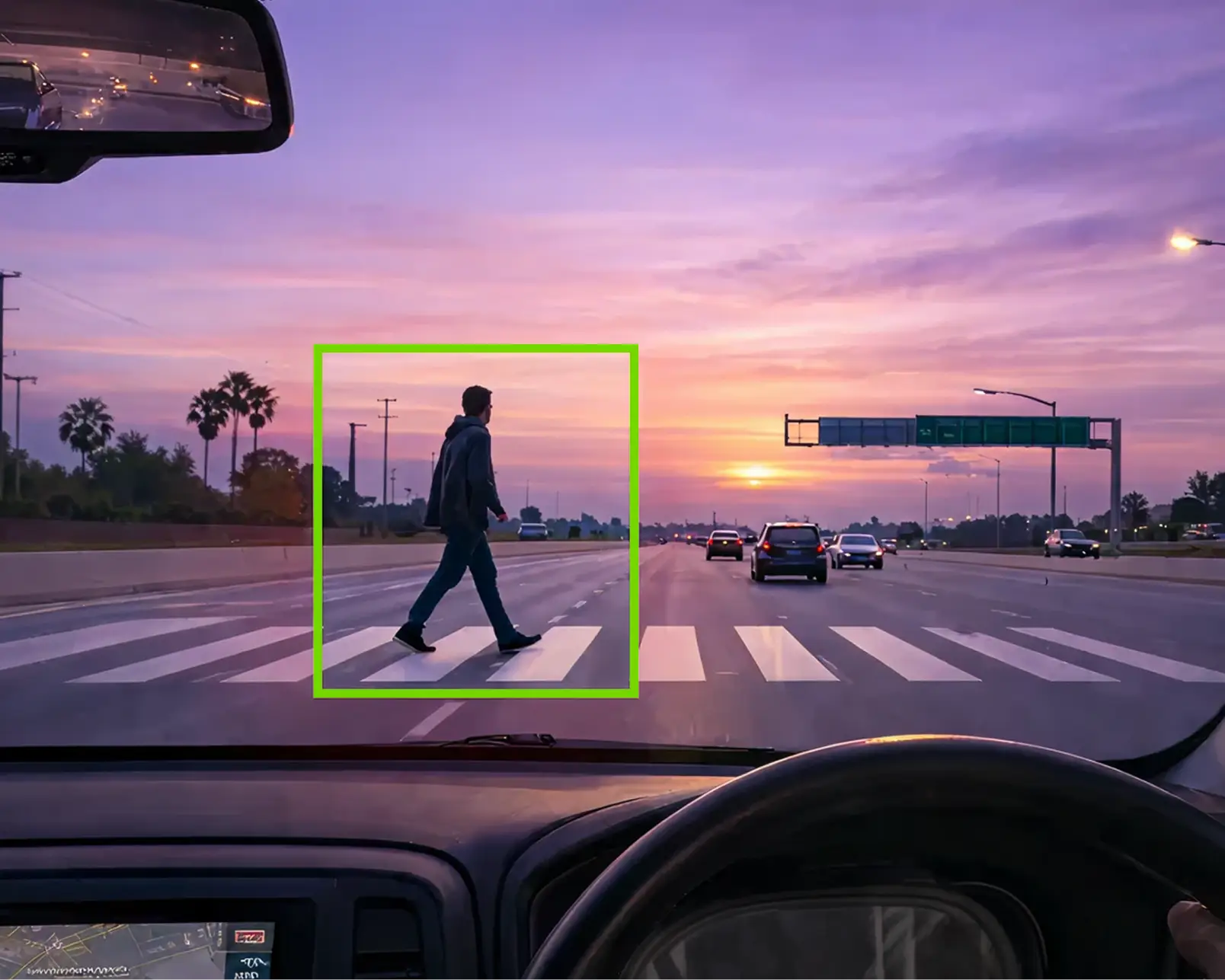


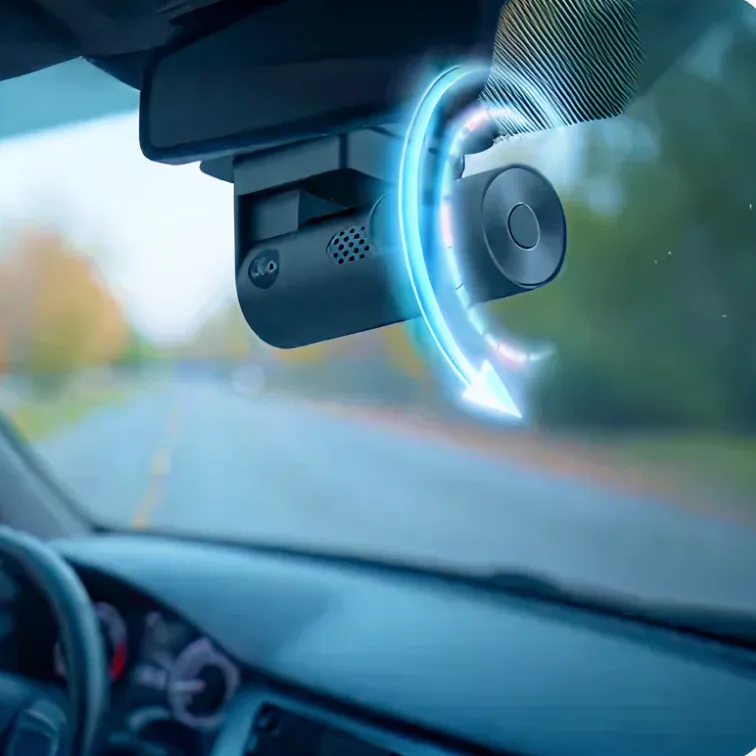
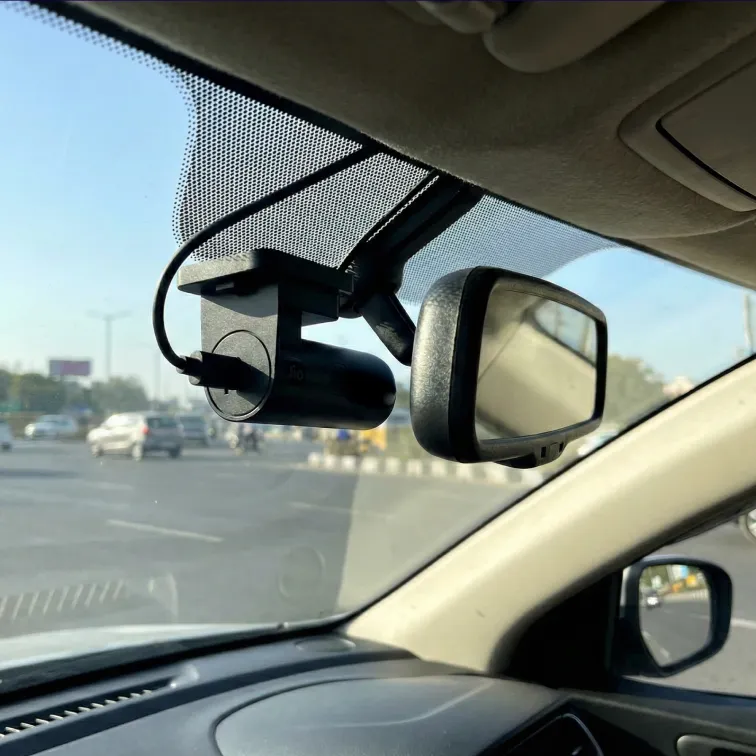
Here’s what you get:
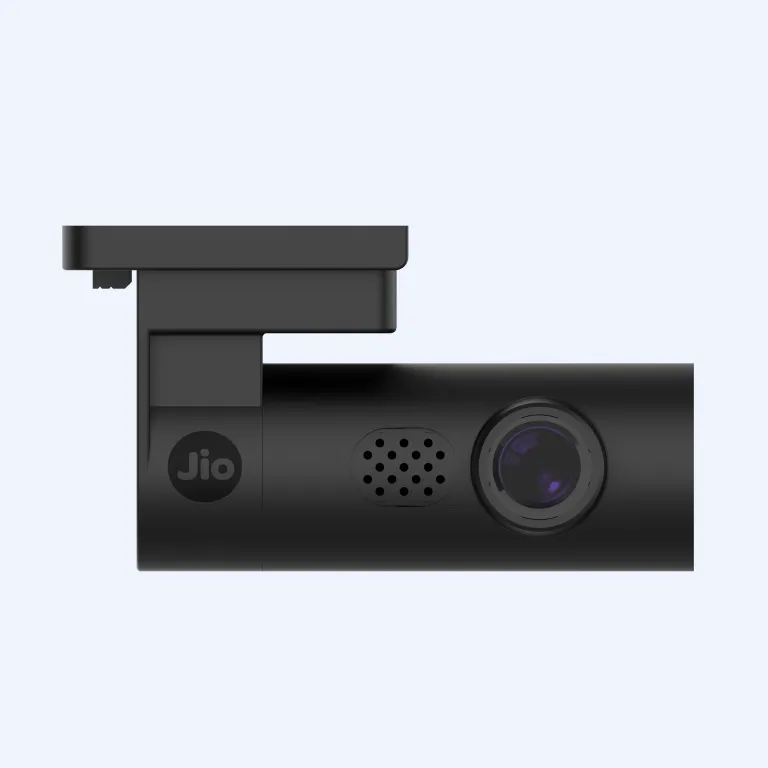
In short, it records what matters, alerts you when needed, and keeps proof safe if something unexpected happens. So if these features are everything you were looking to add to your car, get your JioEyeQ now.
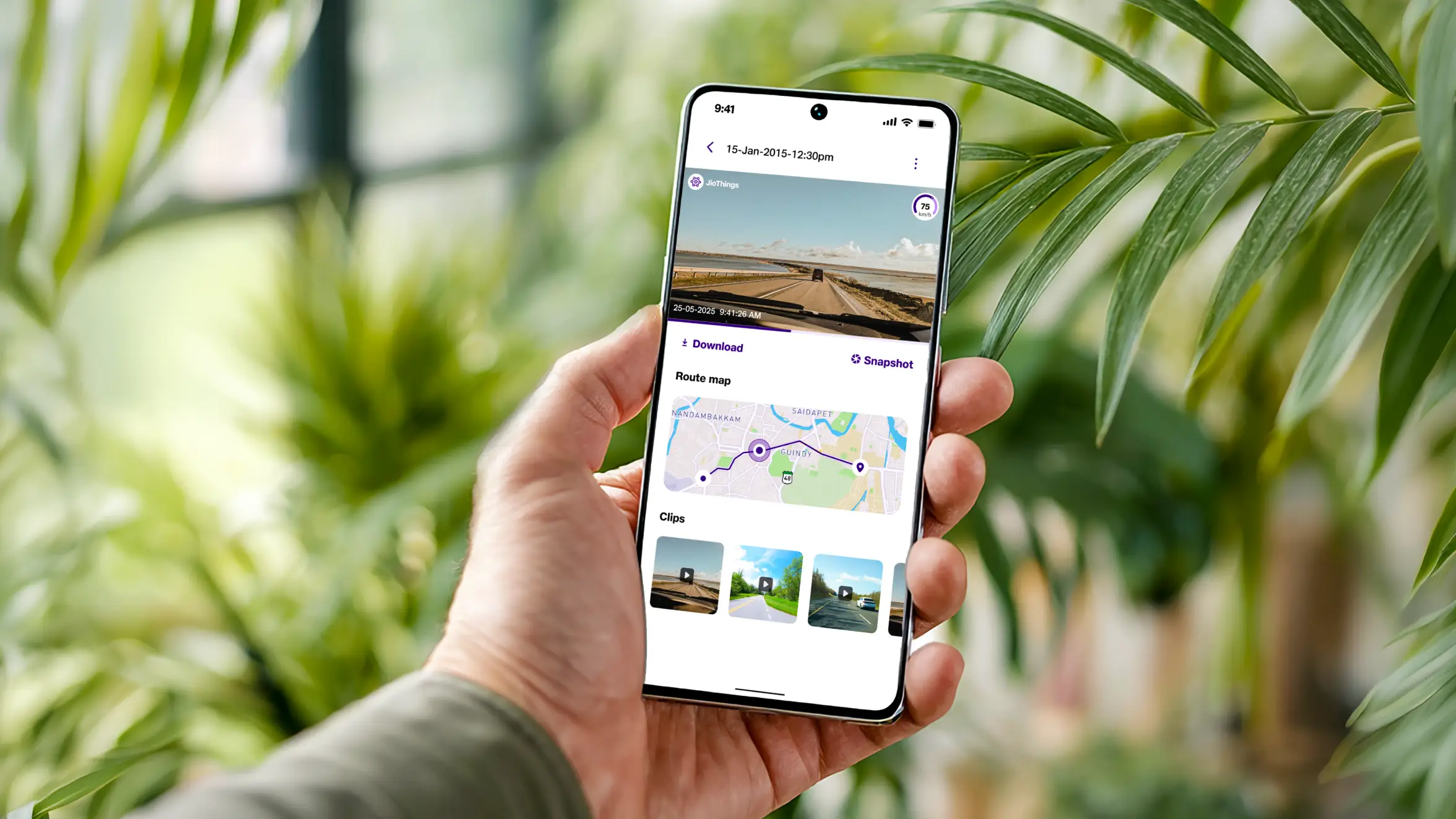
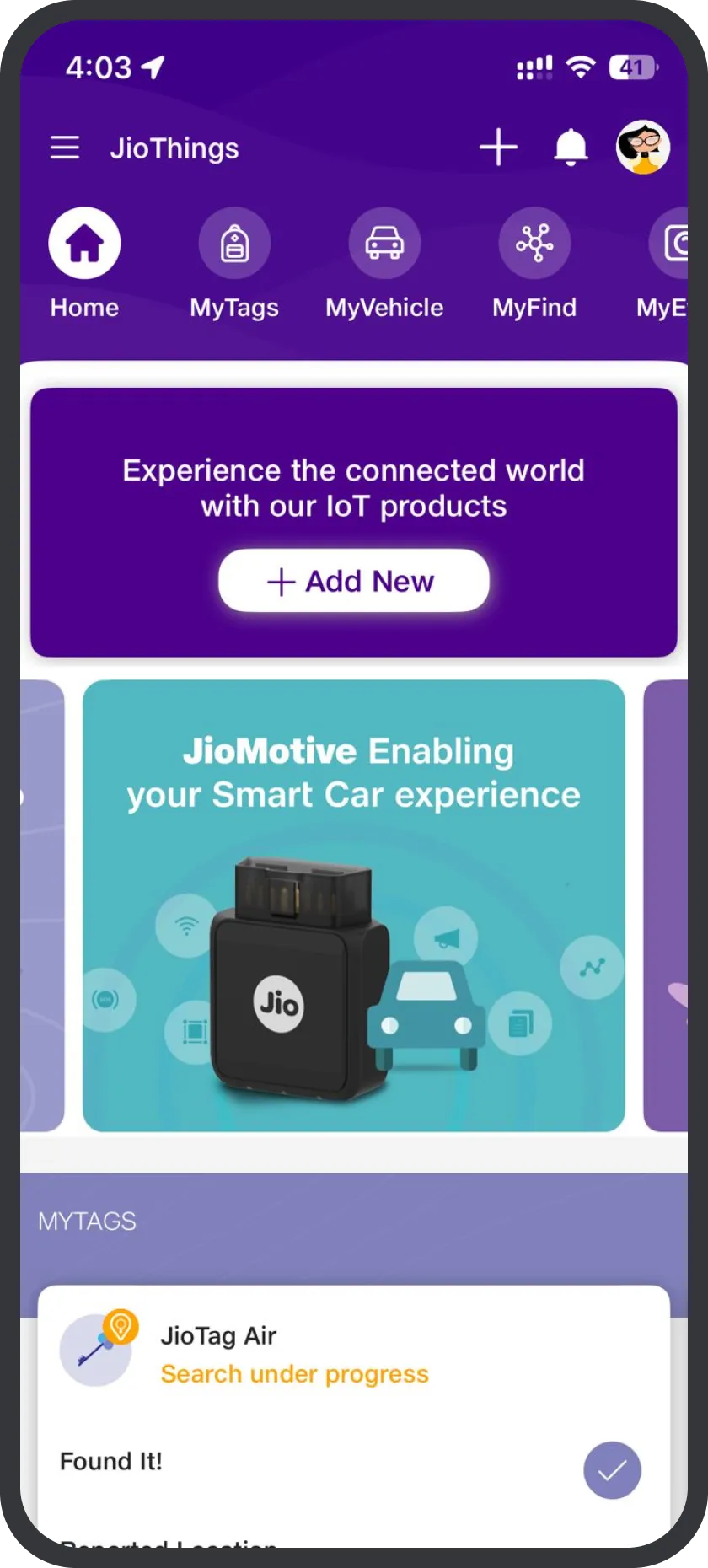
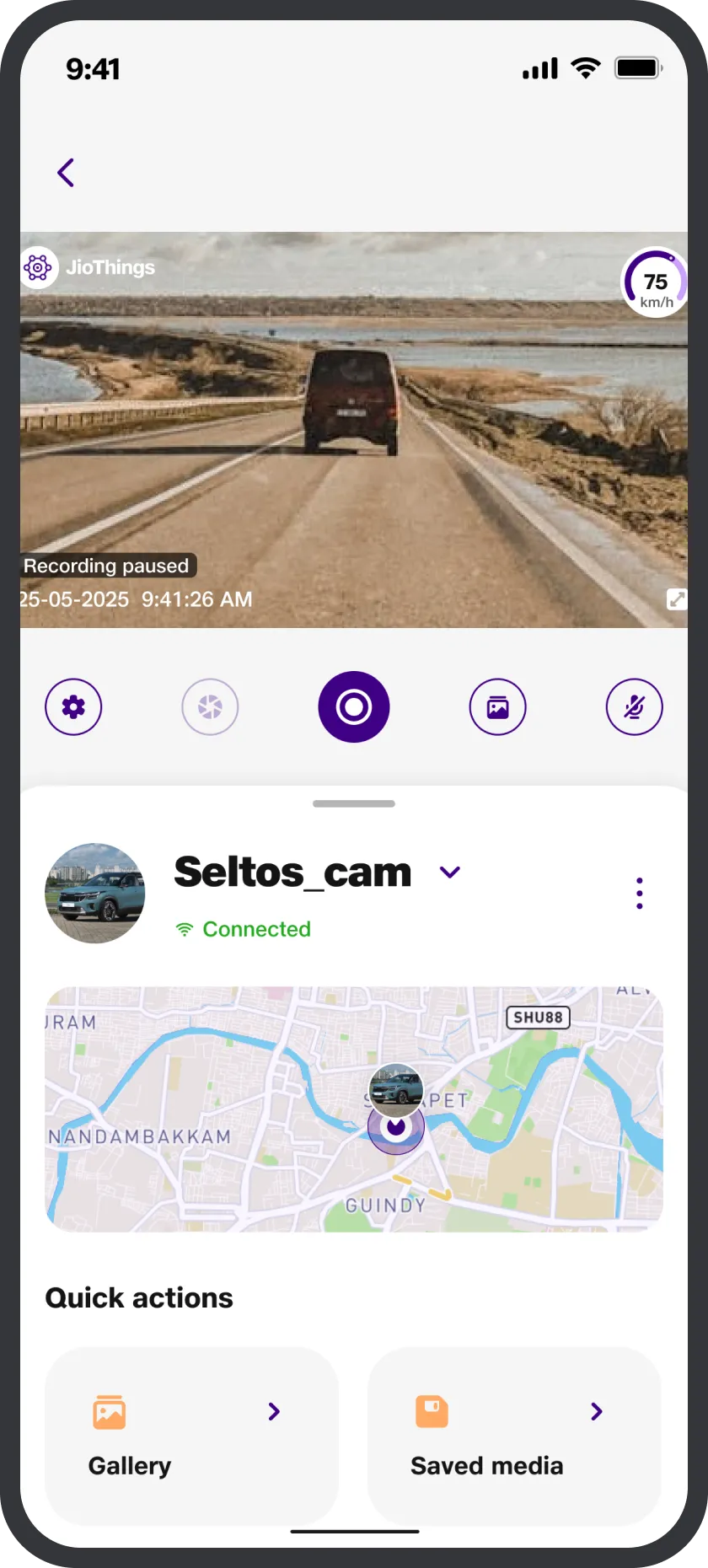
You control everything through the JioThings app.
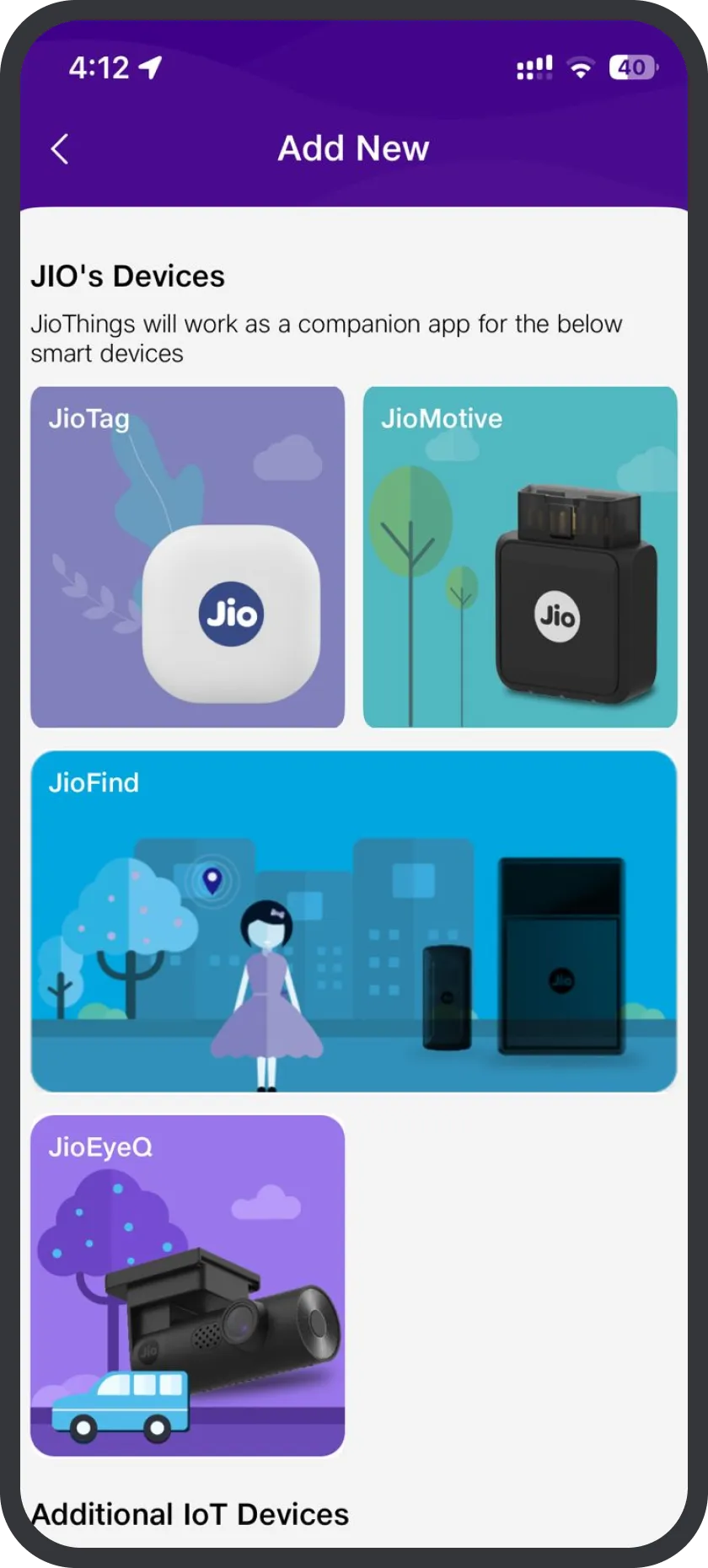
It’s available on the Google Play Store and Apple App Store. Once you complete setup, your dashcam appears under the MyEyeQ section on the JioThings app.
With the JioThings app, you can:
Think of JioThings as your remote control for the JioEyeQ dashcam.
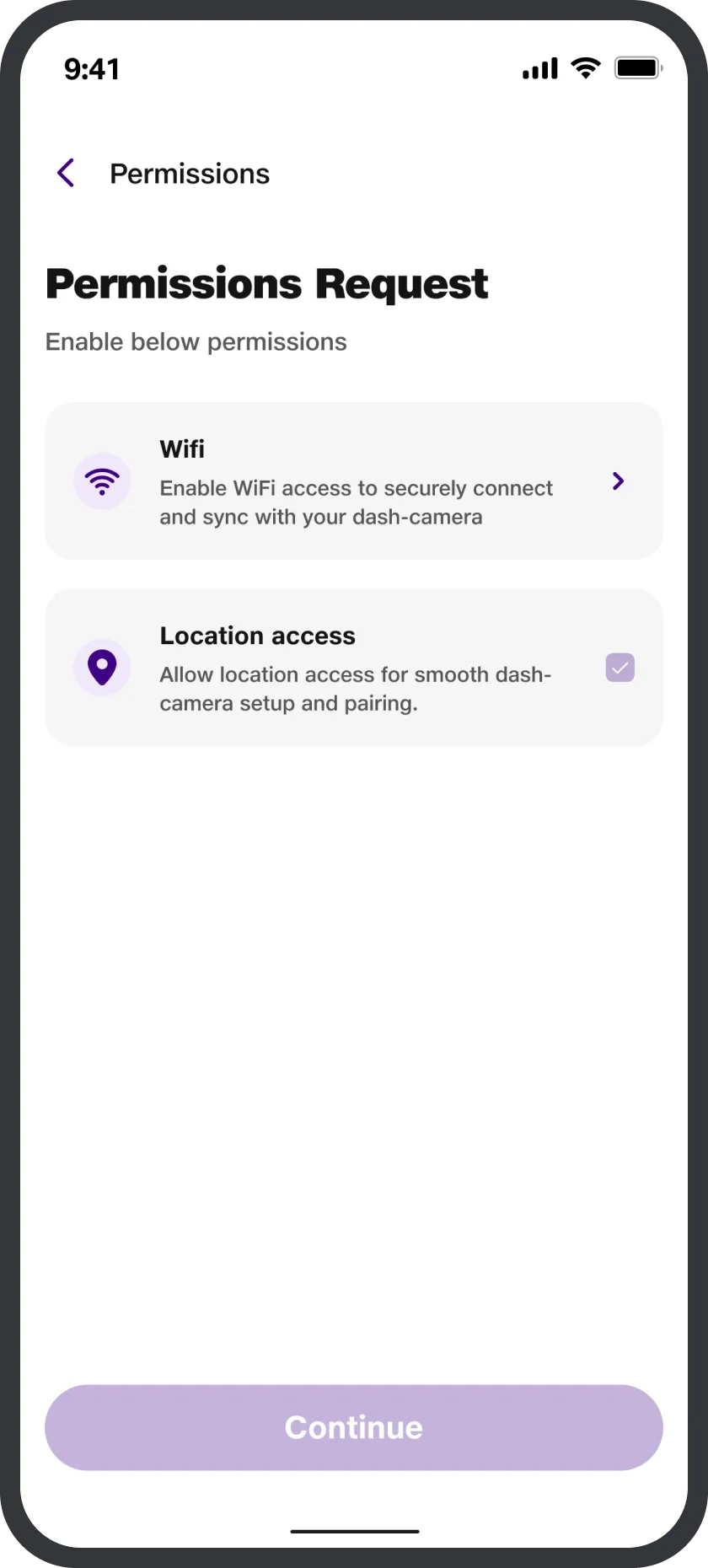
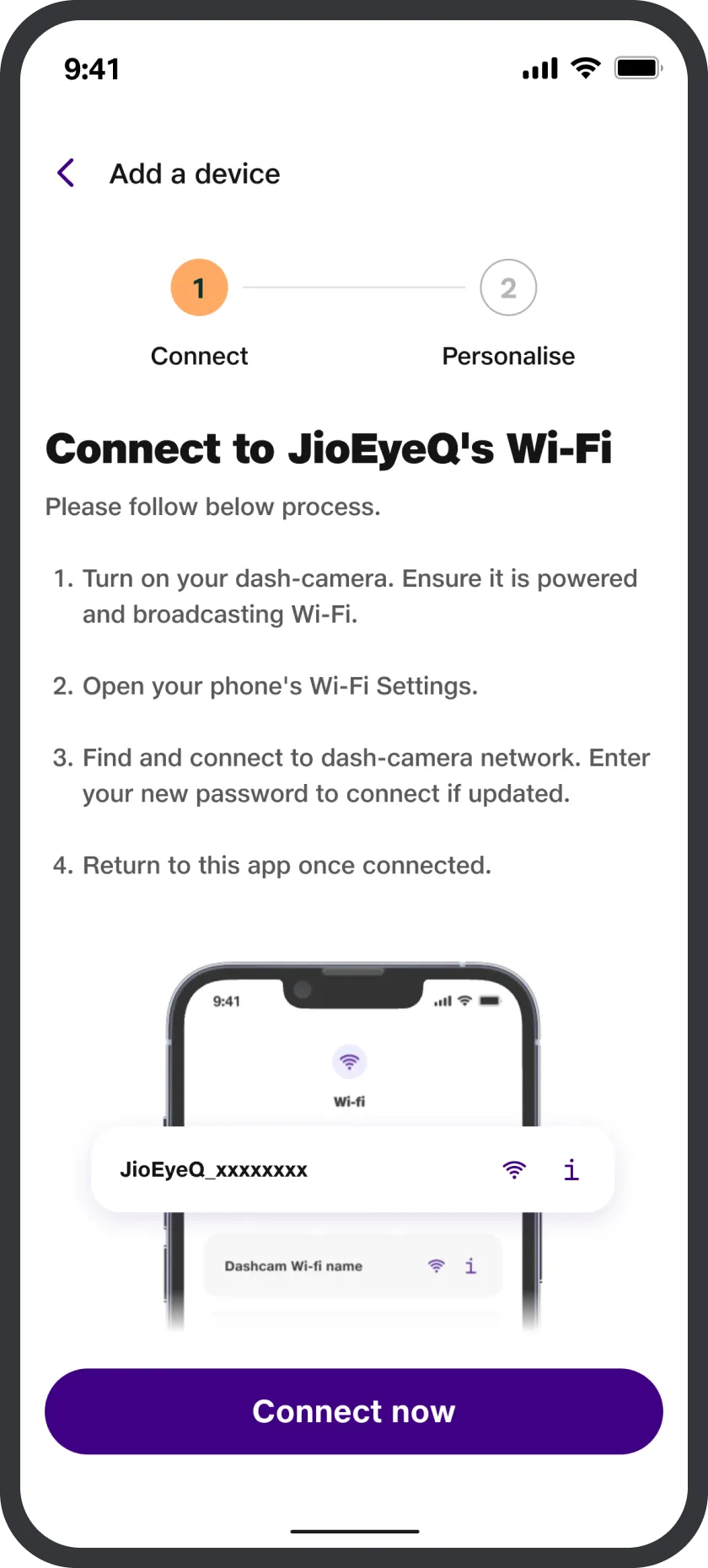
This is completely normal. When you connect to the dashcam’s Wi-Fi, your phone may lose internet because that Wi-Fi is only for camera connection. It doesn’t provide internet access.
Here’s what you can do while setting up your JioEyeQ:
This allows your phone to use mobile data while staying connected to the JioEyeQ dashcam Wi-Fi.
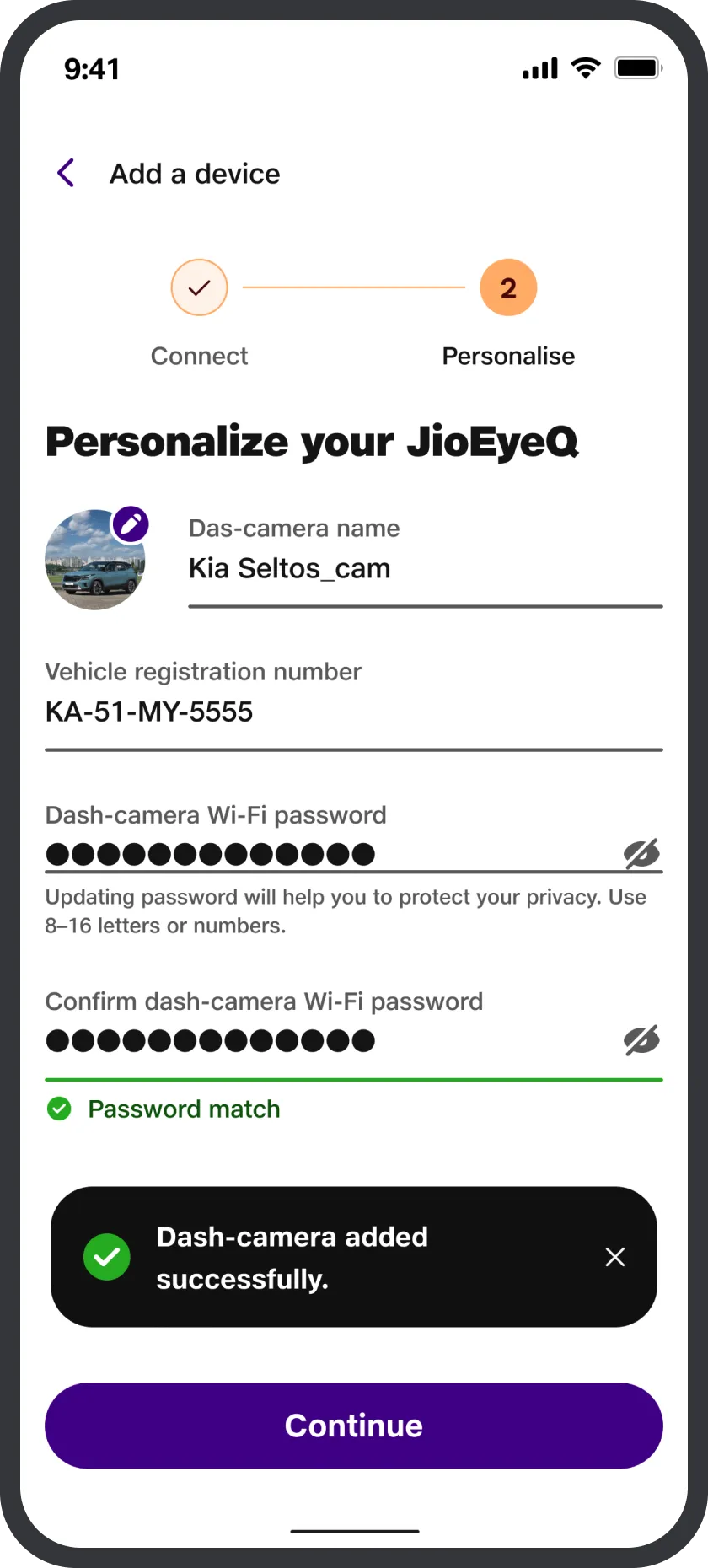
Yes, you can change your JioEyeQ Wi-Fi password, and it only takes a minute.
Just follow these quick and easy steps:
With that, the dashcam will restart automatically. After that, simply reconnect your JioEyeQ using the new password