Quick Links
Connect with us
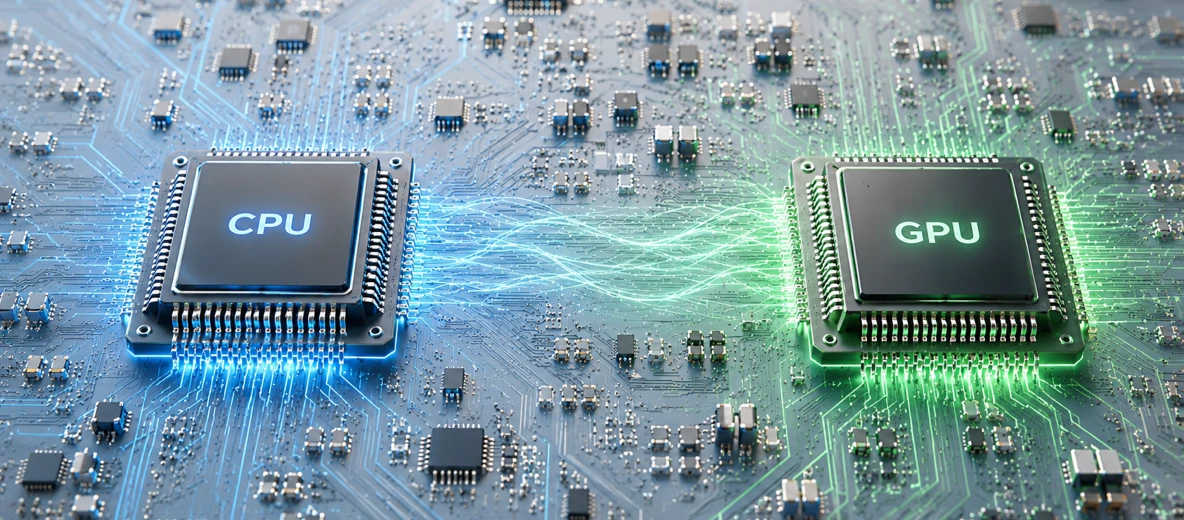
For most of computing’s history, the CPU was the only chip that mattered. It ran operating systems, databases, applications, and the early internet. The GPU was a niche component for gamers and 3D artists. Over the past decade that balance has flipped completely. The shift from CPU-centric computing to GPU-accelerated computing is the single biggest infrastructure change of a generation, and it’s the reason a question that used to be academic now sits in front of every team building AI: GPU or CPU?
The short answer is both. The interesting work — the part that determines whether you ship on time and on budget — is figuring out which chip does what, where the line falls between them, and how the two work together. This guide covers the architectural difference between CPU and GPU, where each one wins on real workloads, how to decide between them for AI, rendering, and general compute, and what a modern hybrid stack actually looks like.
A central processing unit (CPU) is a general-purpose processor designed to handle any computing task you throw at it. It runs the operating system, executes application logic, manages I/O, coordinates memory, and orchestrates everything else on the machine. Modern server CPUs ship with anywhere from 4 to 128 powerful cores, each with deep pipelines, large caches, and aggressive branch prediction. The design priority is low latency — finish each individual task as fast as possible.
A graphics processing unit (GPU) is a specialized processor designed to do one thing extremely well: run massive amounts of similar mathematical operations in parallel. A modern data-center GPU has thousands of smaller, simpler cores backed by extremely high memory bandwidth. The design priority is throughput — push as much math through the chip per second as physically possible, even if any single calculation isn’t particularly fast.
This is the heart of the CPU vs GPU difference. Not “one is faster than the other,” but: they’re optimized for fundamentally different shapes of work.
Most explanations of CPU vs GPU architecture stop at “GPUs have more cores.” That’s true and it’s also misleading. The deeper difference is what each chip is optimized for at the level of every transistor.
A CPU core is built for sequential, branch-heavy code. Real-world software is full of “if this, then that” — load balancers routing requests, databases evaluating query plans, business logic enforcing rules. A modern CPU pours silicon into making this kind of code fast: branch predictors that guess which way an if statement will go, out-of-order execution units that find independent work to do while waiting on memory, three or four levels of cache to keep frequently used data within picoseconds of the core. A handful of these cores running at 3 to 5 GHz can handle enormous variety in the work they do, switching between instruction types in nanoseconds.
A GPU core is built for the opposite extreme: massive amounts of identical, predictable math. Forget branch prediction — GPU cores are deliberately simpler. They run in lockstep groups (NVIDIA calls them warps, AMD calls them wavefronts), with the same instruction executing across dozens of cores at once on different data. This is SIMD — single instruction, multiple data — and it’s wildly efficient when the workload is a billion identical multiply-and-accumulate operations, the way every neural network forward pass is. Memory is the other key piece. Data-center GPUs use HBM (high-bandwidth memory) that pushes 1 to 8 terabytes per second of bandwidth — ten to fifty times what a CPU’s main memory delivers.
The clearest way to see it: a CPU is a Ferrari; a GPU is a thousand bicycles. Ask the Ferrari to win a sprint between two points and it will. Ask it to deliver a thousand pizzas across the city in an hour and it can’t, no matter how fast it goes. That’s a parallel problem, and parallel problems want parallel hardware.
GPU vs CPU performance isn’t a single number — it depends entirely on what you’re running. Treating this as a benchmark race misses the point. The real question is: does your workload look like one fast trip, or a thousand simultaneous deliveries?
GPUs win, often by orders of magnitude, on:
A transformer model that takes weeks to train on a CPU cluster trains in hours on a properly sized GPU cluster. That’s not a 2x or 3x advantage — it’s frequently 50x to 100x. Once you’re in workloads where parallelism is the fundamental shape, the GPU’s lead is decisive.
CPUs win on:
Modern CPUs have also closed part of the AI gap. Intel’s AMX (Advanced Matrix Extensions) and AVX-512 instructions accelerate matrix math directly on the CPU. For small models, low query rates, or latency budgets where shipping a tensor across PCIe to a GPU and back costs more than just doing the math on the CPU, this is a real and underused option.
This deserves a direct answer because it’s one of the most-searched versions of the question.
For nearly all modern rendering workflows, GPU. Blender Cycles, Octane, Redshift, and real-time engines like Unreal and Unity have all been GPU-first for years. Real-time ray tracing on RTX-class hardware has effectively become the production standard. Iteration loops are dramatically tighter on GPU, and final-frame quality has caught up to or surpassed CPU output for most scenes.
The exceptions are real but narrow:
In practice, most studios run hybrid CPU and GPU rendering — GPU for interactive previews and the bulk of production frames, CPU as fallback for spillover and edge cases. If you’re starting fresh today and your scenes fit in VRAM, go GPU. The economics and iteration speed aren’t close.
For AI training, the GPU vs CPU debate is settled. Tensor Cores accelerate the matrix multiply-and-accumulate operations that dominate every neural network. High-bandwidth memory keeps weights and activations close to the compute. Multi-GPU interconnects like NVLink let multiple GPUs operate as a single training fabric. Software stacks (CUDA, PyTorch, JAX, cuDNN) extract those gains without forcing teams to write low-level code. Training a serious model on CPUs is no longer an engineering choice — it’s a budget mistake.
Inference is more nuanced, and this is where senior infra decisions get made.
The mistake teams make is defaulting to GPU for everything AI, including small-model inference where GPU economics don’t work. The opposite mistake — trying to serve a 70B-parameter LLM on CPUs to save money — is even more expensive once your account for engineering time and customer-facing latency.
The way an experienced infrastructure architect decides between CPU and GPU:
For most modern AI teams, the practical answer is a fleet of GPUs for training and large-model inference, paired with CPU-only instances for orchestration, data preprocessing, and small-model serving. That hybrid is not a compromise — it’s the optimum.
The CPU and GPU aren’t competitors. They’re collaborators with different responsibilities. In a typical AI training pipeline, the CPU loads data from storage, runs the data loader, applies augmentations and tokenization, executes business logic, and feeds tensors to the GPU. The GPU runs the parallel math — forward pass, backward pass, gradient computation, optimizer step — and returns results. Then the CPU handles checkpointing, logging, and serving.
The handoff between them is where hidden costs live. Moving tensors between CPU and GPU memory over PCIe Gen5, or even faster fabrics like NVLink and CXL, is often the real bottleneck in poorly tuned pipelines. The GPU sits idle waiting for data. The expensive accelerator becomes the slowest part of the system.
The right framing isn’t “CPU or GPU?” It’s “CPU and GPU, with each running the parts of the pipeline they’re built for.” The discipline is matching architecture to workload at every stage.
Most teams shouldn’t be procuring GPUs directly. The capital cost is enormous, the supply is constrained, and the right hardware mix changes faster than depreciation schedules can absorb. Cloud GPU infrastructure is the default for everyone except hyperscale’s and the largest research labs.
Jio AI Cloud provides on-demand access to current-generation NVIDIA GPUs alongside high-performance CPU instances, with data residency in India. The platform is built for the hybrid model this guide describes GPU compute for training and large-model inference, paired with CPU instances for the orchestration, data engineering, and small-model serving paths that round out a real production stack. Workloads scale from a single GPU instance for experimentation to multi-node clusters for production training, on a pay-as-you-go basis.