
JioSafe
Ultra-secure communication

Download JioSafe now


Ensures Privacy and Confidentiality for conversations
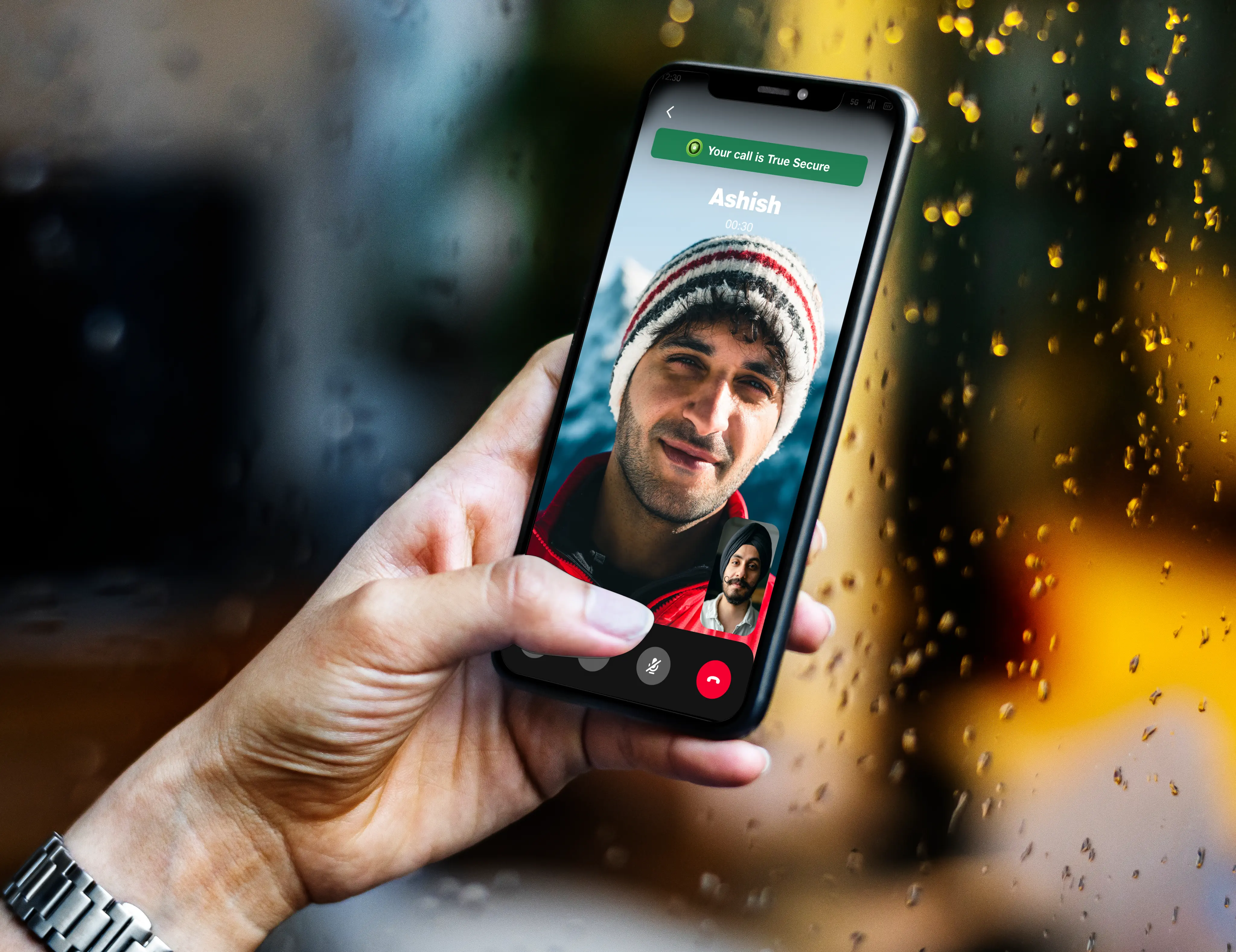
End-to-end True Secure Calling
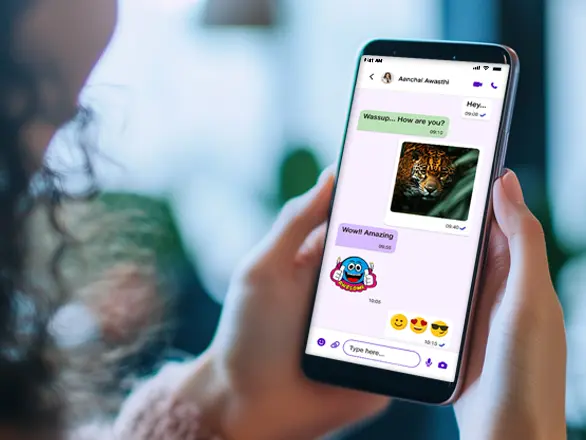
Rich Media Messaging
Complete privacy in digital communication

Quantum-resistant capabilities

Powered by unique 5G technology

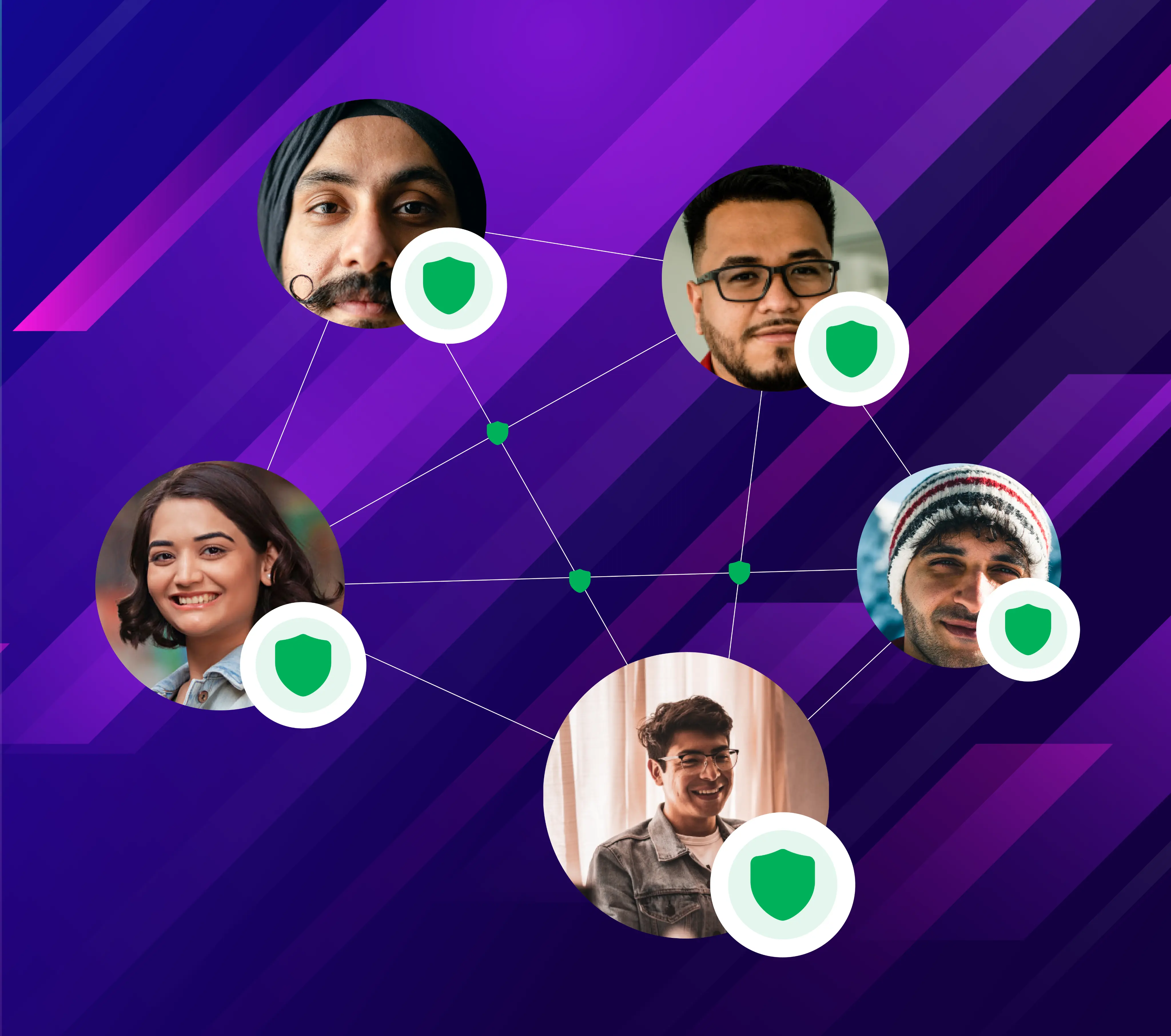
Trusted contacts labelled with secure shield
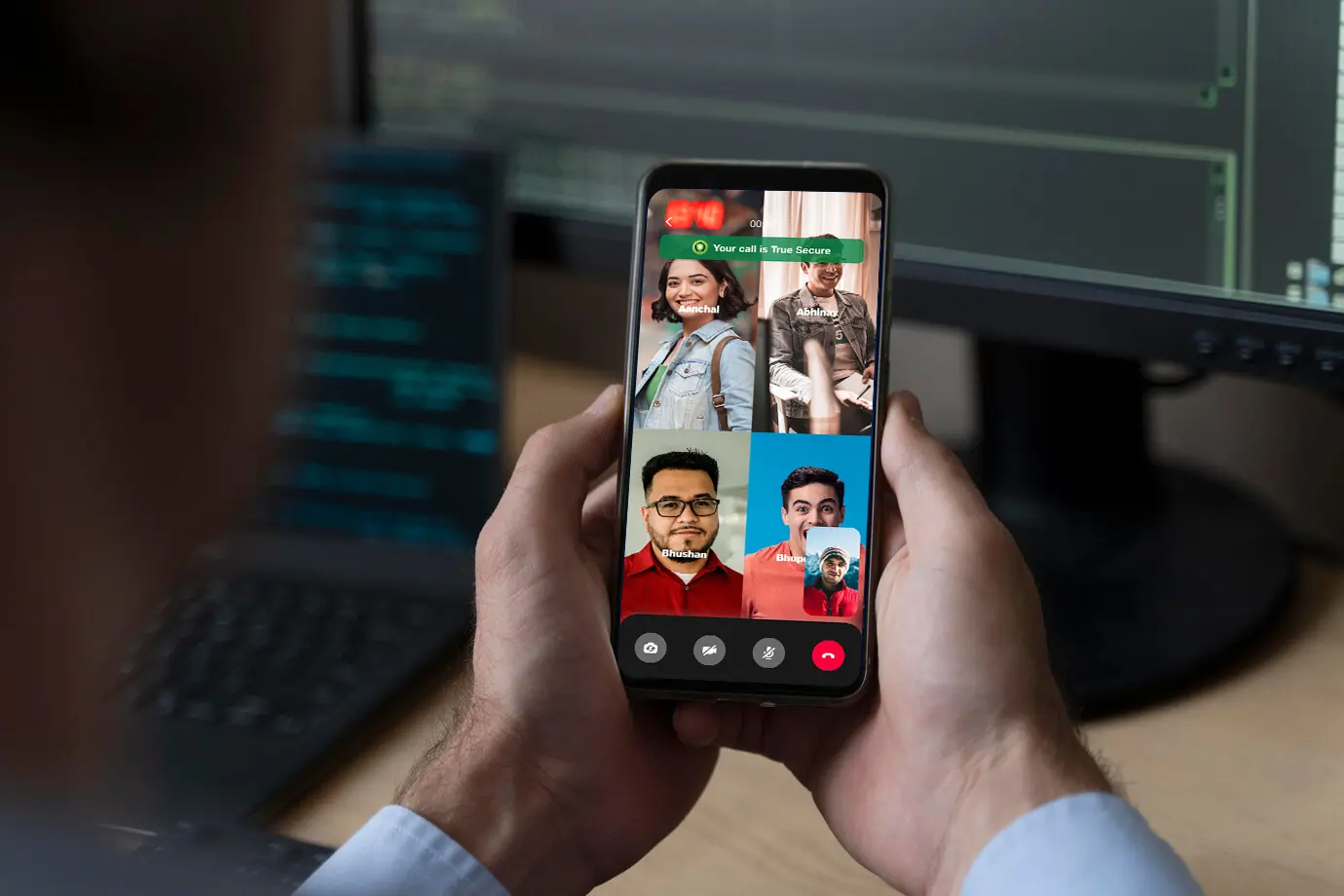
Secure Rooms for conference calling
Experience a new standard of digital privacy
Ultra-encrypted
All-round protection
Hack-proof
Trusted contacts
FAQ
To make your communication 'True Secure', you need to ensure the following:
-
- Use a Jio 5G number on a 5G-compatible Android/iOS phone to register for the app.
- Disconnect your Wi-Fi and use the same Jio 5G SIM as your mobile data while using the app.
In the case of a one-to-one voice/video call, both the parties on call need to fulfil these conditions to make the call 'True Secure'. During a call, you can see the security status of both the parties required to make the call True Secure.
During a Secure room call, all the online members who have joined the call need to fulfil these conditions to make the call True Secure. You can see the security status of all parties required to make the call True Secure.
To make a message True Secure, the sender needs to be True Secure when the message is sent and the receiver needs to be True Secure when it’s received. In the message info, you can see whether a received message is True Secure or not.
You will get an alert inside the app if any of these conditions need fixing to enable True Secure communication. When you are ready for True Secure communication, you will see a green shield on top of your app homepage.

