
Messages
Redefining chat, on your terms, every day.

Join the next messaging revolution today and discover faster, smarter, and more secure communication.
Download JioMessage now

Chat, connect, and collaborate on the go
Get more out of your conversations with ‘Messages’! It’s the perfect way to stay in touch, the ultimate messaging app to collaborate and the awesome platform to chat.
Unified inbox for SMS and Chat
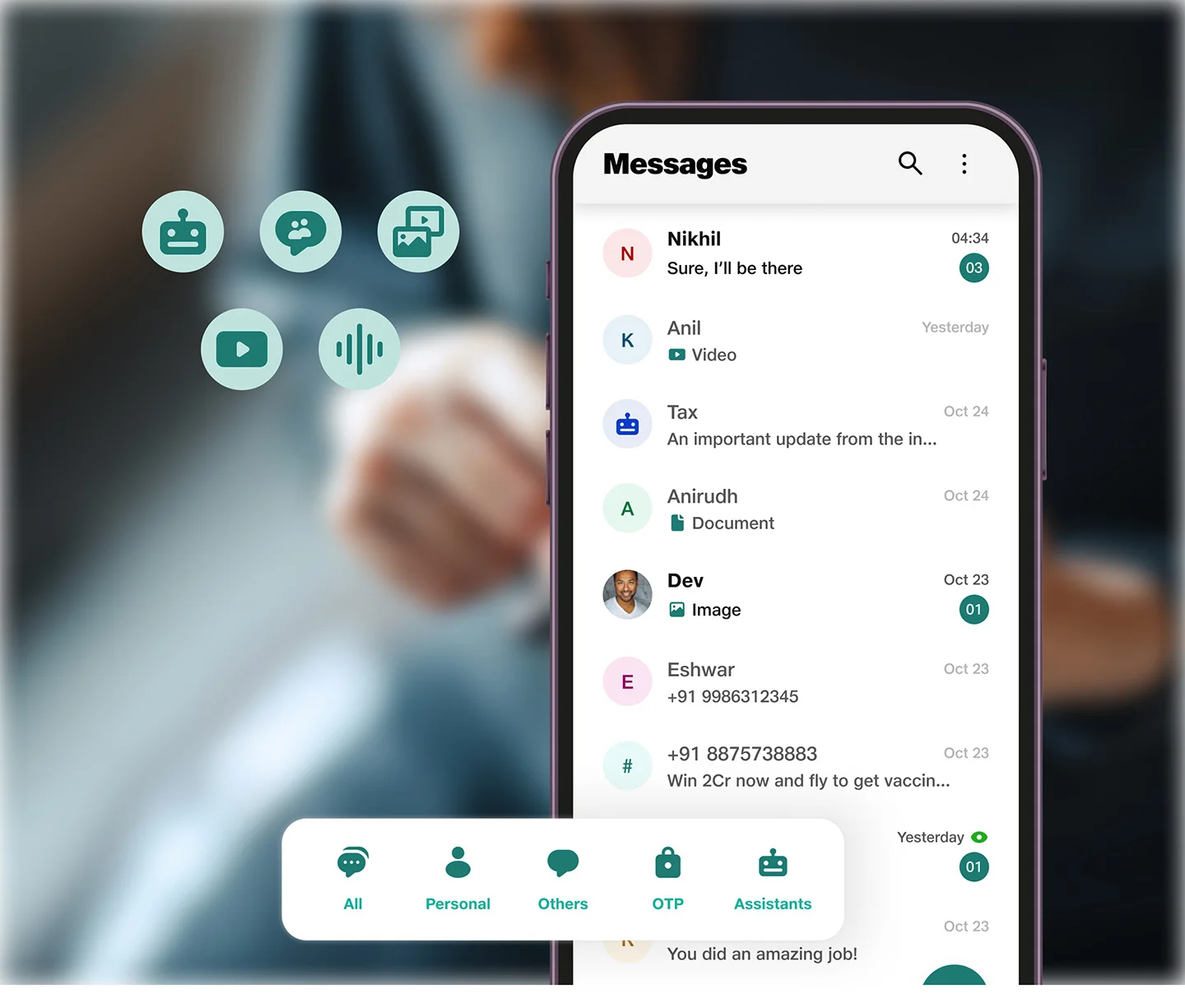
Stay on top of all your conversations with an integrated inbox that lets you view/send SMS and RCS Chat messages from one place.
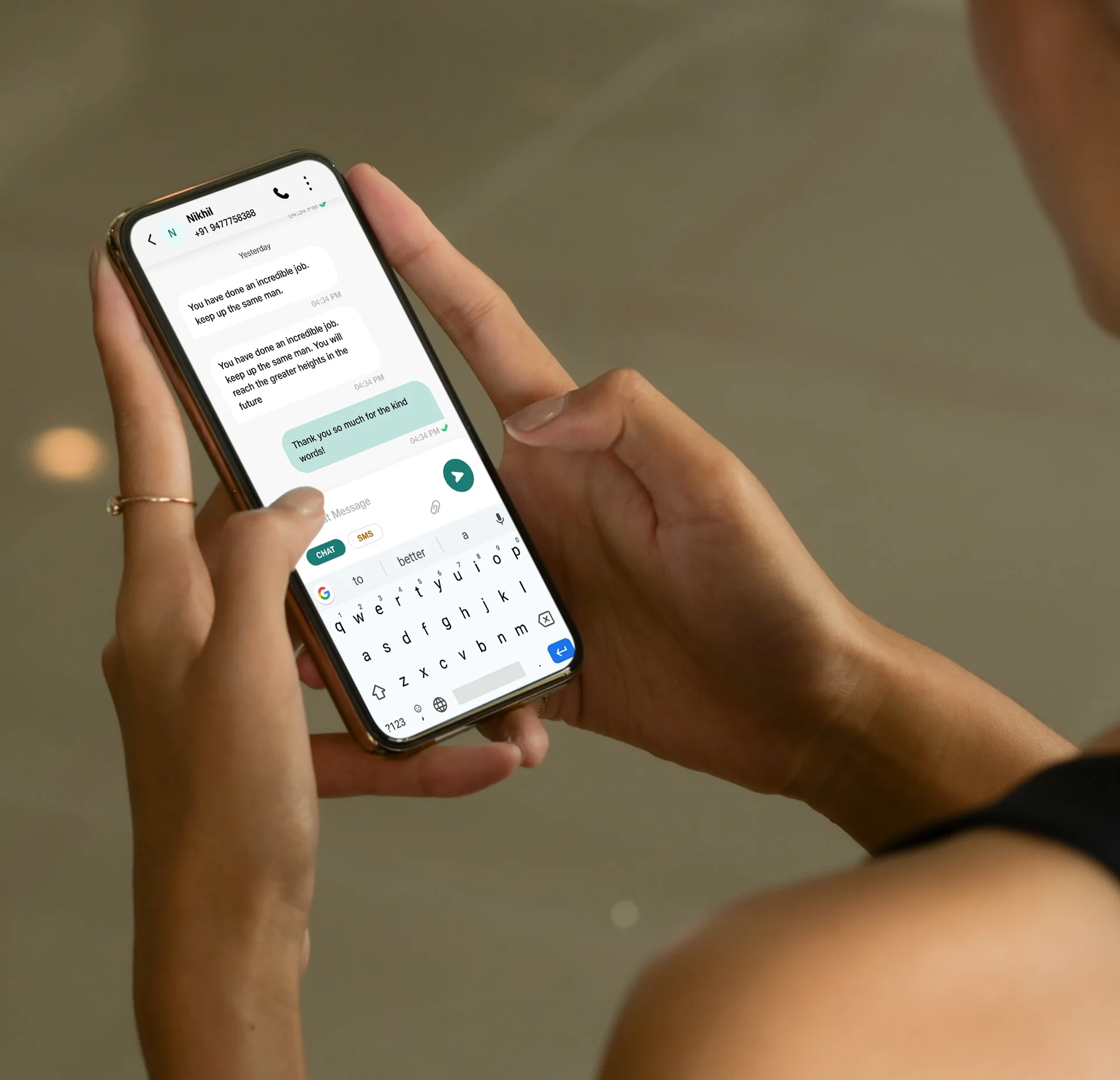
File-sharing just got exciting
Share photos, videos, and other media with family and friends in high quality and see them come to life with built-in media support.
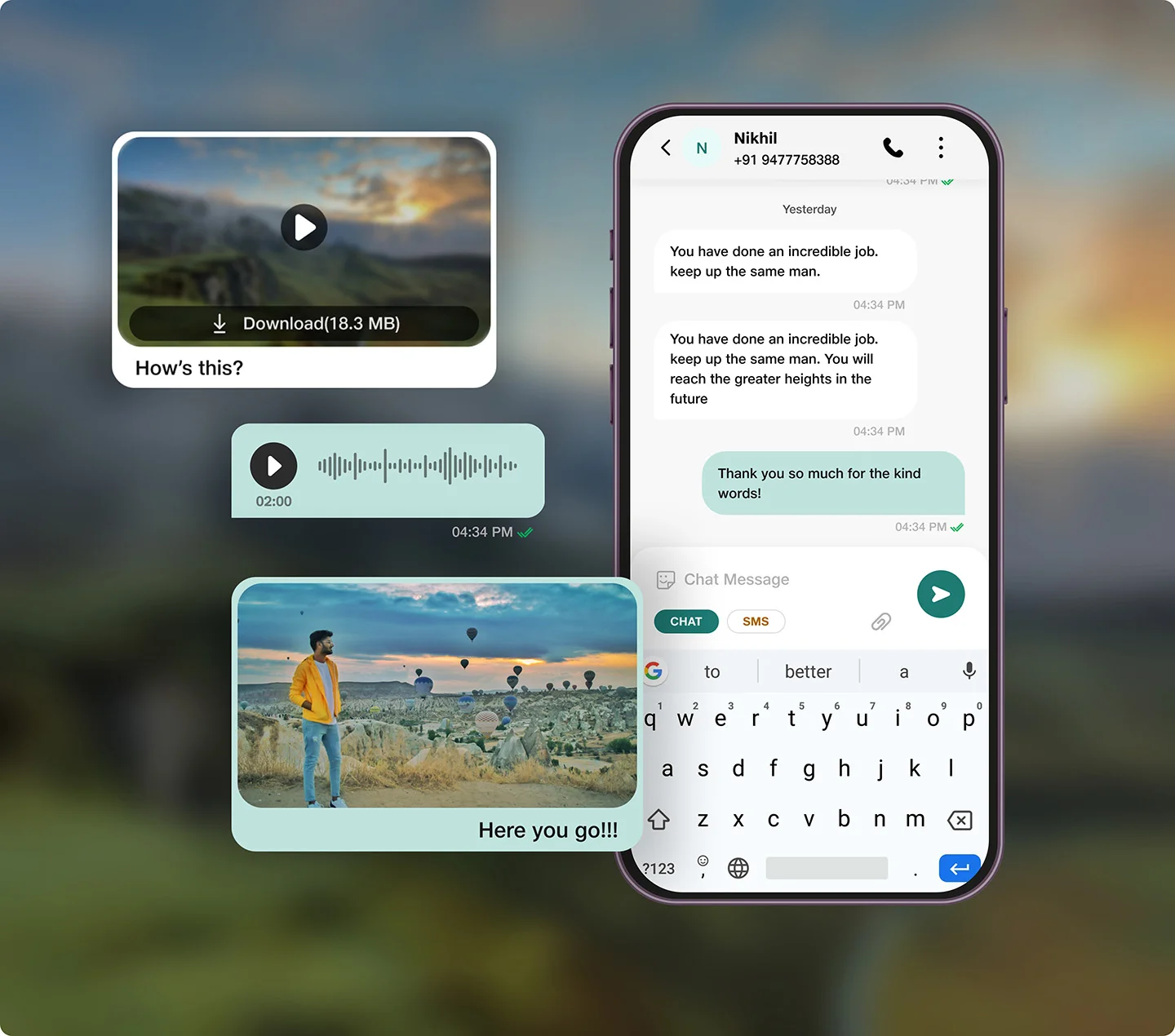
You have a friend in our ‘Assistants’
Enhance your messaging experience with a variety of ‘Assistants’ - from shopping options to weather updates - only on Messages.
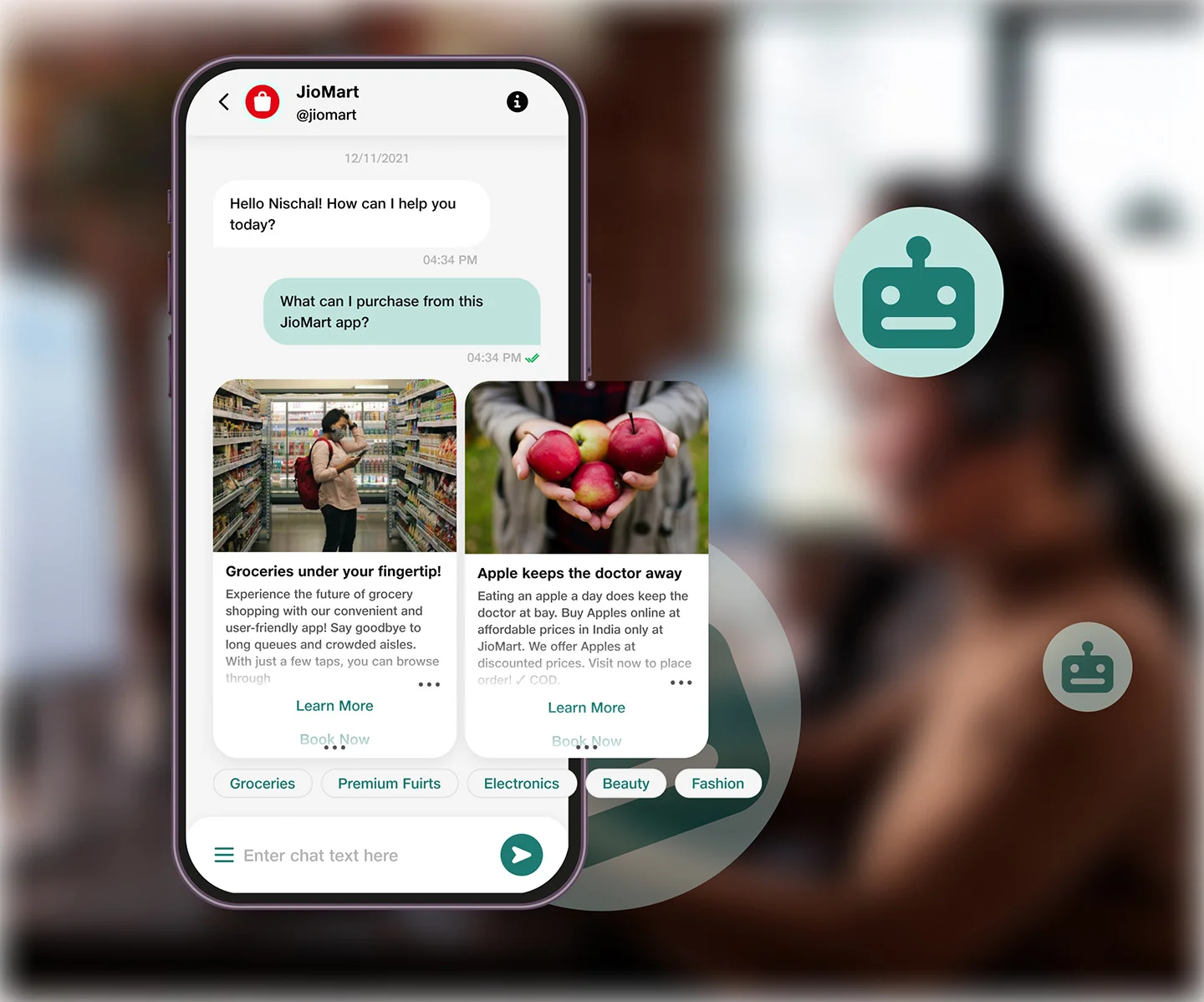
Group chat is so much fun!
Planning an event, collaborating for, work or simply catching up with friends? Try ‘Group Chat’ for an engaging online experience.
Your messages are organised for you!
With Smart Message Organiser, your SMS messages get auto-categorised. Just use the easy search function to find any message.
Express using fun stickers
Make your conversations all the more lively with expressive stickers! Check, you’ve a variety of fun stickers to convey your feelings.

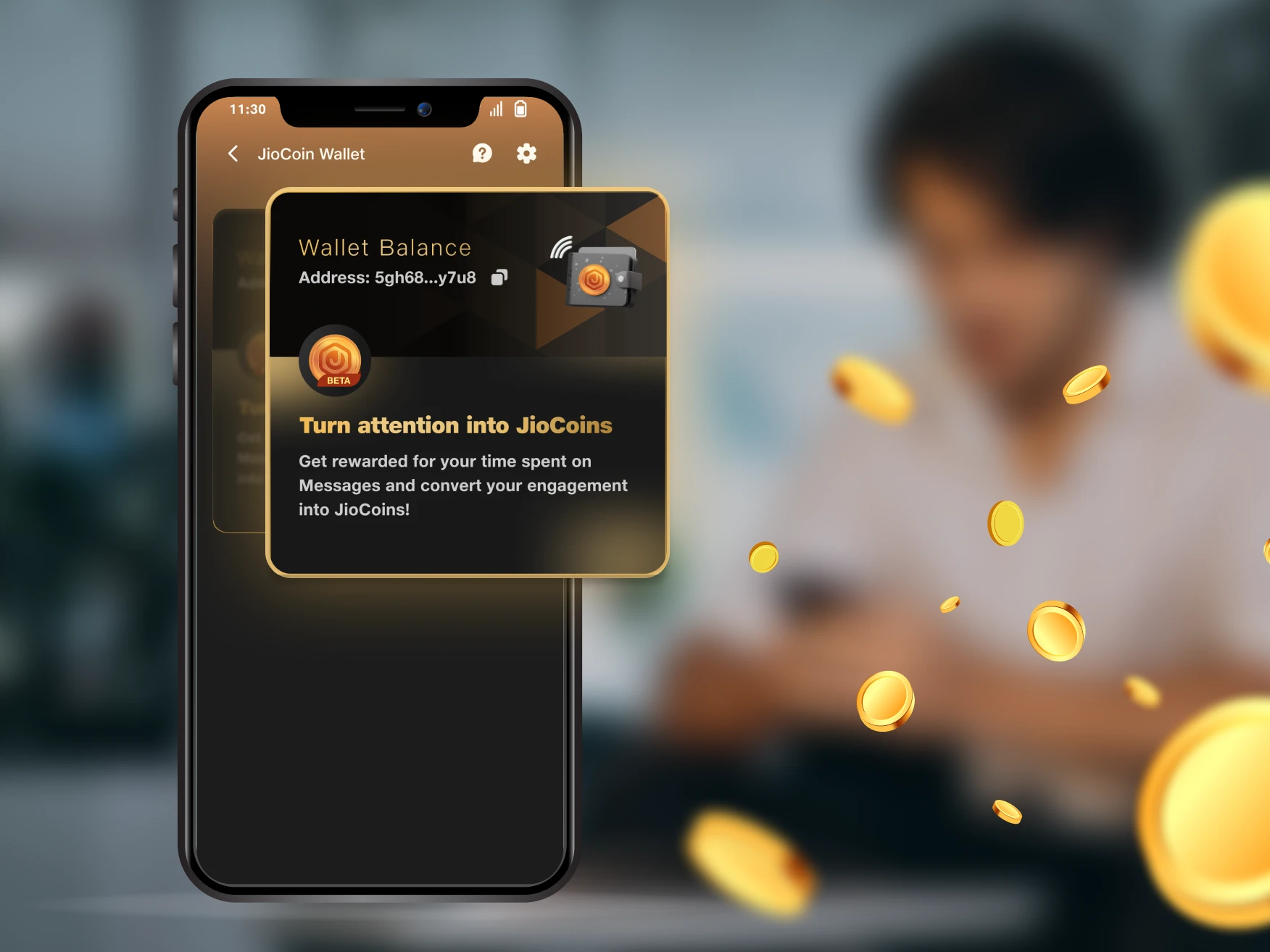
Engage. Earn. Repeat.
Your engagement with JioMessages directly boosts your JioCoin balance!
Don’t forget to explore these delighting features
Rich multimedia file sharing
Express yourself better with a rich multimedia messaging feature that allows sending high-quality photos, videos, audio messages and files.
Unified inbox for SMS & Chat
Stay organised and efficient with Messages’ unique feature that lets you send and receive both SMS and RCS chat messages from the same inbox.
‘Assistants’ you can count on
Get help with anything from reserving a table at your favourite restaurant to ordering groceries, it’s all just a message away for you now.
Smart message organiser
Keep your inbox clutter-free with the Smart Message Organiser feature. It sorts your messages into categories like personal, transactional, and more.
Here’s what our happy users have to say
"I'm always on the go, and I rely on ‘Messages’ to stay connected with my friends and family. The app is so convenient, and I love that I can send and receive messages to anyone no matter where I am in the world."

Shashank, Mumbai
“Messages has completely transformed my messaging experience. The rich multimedia messaging feature is a game-changer, and I love the variety of ‘Assistants’ here. It's like having a personal assistant with me.”

Nischal, Bengaluru
“I have been using Messages for a few months now and I'm completely hooked. The Messages organizer feature has been a game-changer for me as I no longer have to sift through a cluttered inbox.”

Khyati, Mumbai
“Messages is the best messaging app I have ever used. The interface is so user-friendly and I love the fact that I can send and receive both SMS and chat messages from the same inbox.”

Harshit, Ahmedabad

FAQ
What is RCS messaging and how is it different from SMS?
RCS (Rich Communication Services) is an enhanced messaging protocol that allows for richer multimedia experiences beyond standard SMS. It provides features like read receipts, typing indicators, group chats, and high-resolution photos. RCS provides a more dynamic and engaging communication platform than SMS, which is restricted to text. It bridges the gap between classic messaging and contemporary chat applications.
Is Messages app free to download and use?
Yes. The Messages app is absolutely free to use. You can download the app from here. Install and open the app on your device, and you will be asked to make Messages the default messaging application. Once permissions are granted, you are all set to use this RCS messaging app.
What devices are compatible with Messages?
You can use Messages on any Android device. You can download the app from here. Happy Messaging!
How do I send multimedia files in Messages?
On the chat window where you want to share a file, click on the attachment icon above your keypad. From here you can share images/videos/audio files and documents. Happy Chatting!
How do I report a bug or suggest a feature for Messages?
You can write a review on Google Play Store or drop us an email at jiomessages.support@jio.com. We would love to know your feedback!

