
JioPC

Upgrade your computer
without buying new hardware
JioPC is a cloud computing service that works with any internet connection. It helps you get enhanced storage and makes your existing computer experience faster.
What's holding your computer back?
Tell us three quick things about your laptop or desktop. We'll show you what's likely slowing it down - and what changes with JioPC.
Disclaimer: The performance score generated through this tool is an indicative assessment based solely on the information voluntarily provided by you, including device age, RAM and processor category. The score is intended for informational purposes only and should not be construed as a technical certification, independent benchmark, guarantee of performance, or professional recommendation.
The assessment is based on an internally developed methodology that considers selected device specifications and may refer to publicly available benchmark information for comparison purposes. Actual device performance may vary depending on various factors, including hardware configuration, software environment, system settings, network conditions and usage patterns.
References to third-party processor brands, products, and benchmark sources are made solely for identification and comparison purposes. All trademarks, trade names and intellectual property rights remain the property of their respective owners. No endorsement, approval or affiliation with any third-party brand, manufacturer or benchmark provider is implied.
Your submitted information is used only for generating the assessment result and is not stored beyond that purpose. Please refer to the Privacy Notice for details regarding processing of information submitted through this tool.
By continuing, you acknowledge that the generated score is an illustrative estimate and not the sole basis for any purchasing, upgrade or business decision.
Get more from the computer you already have
Upgrade your everyday computing experience for faster, smoother performance.
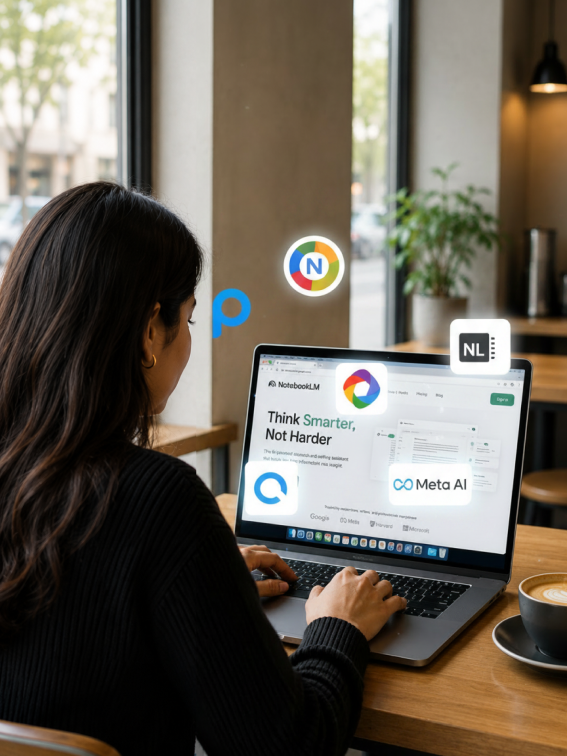
Modernize your computer
Access AI tools and run the latest apps.

Revive your old computer
Transform your unused laptop or desktop into a fast, modern AI-ready learning computer.
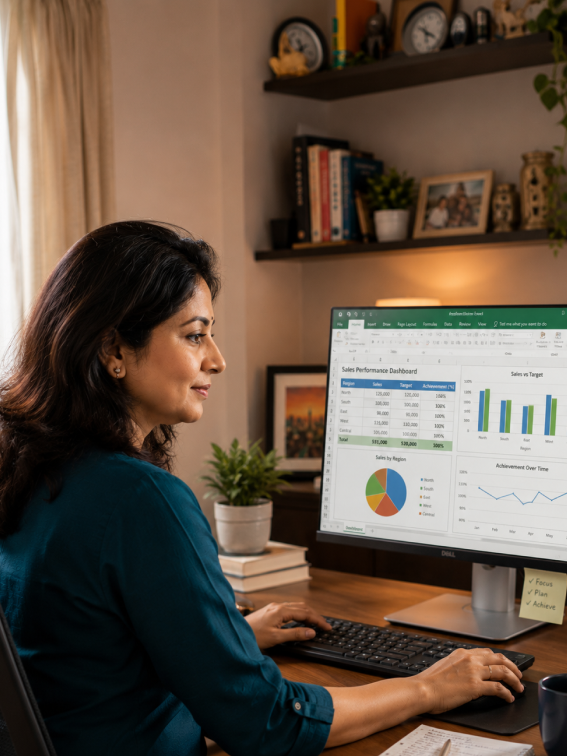
Extend its life
Continue using your old computer without replacing it with an expensive one.
Start your FREE trial
No new hardware required. No credit card needed. Upgrade in less than 5 minutes.
FAQ
How do I register and set up my JioPC after purchase?
If accessing JioPC via the browser:
- Open the JioPC website https://my.jiopc.in/.
- Enter the mobile number you used to purchase JioPC or start your free trial.
- Set your password.
- Enter the OTP sent to your mobile number to confirm.
Your password is now set and you can launch your JioPC virtual desktop.
Note: Immediately after registration, it takes a few minutes to make ready the JioPC virtual desktop. You won't be able to launch the JioPC virtual desktop during this time.
Can I register for JioPC with a non-Jio mobile number?
You can register for JioPC on https://www.jio.com/jiopc/ with any mobile number, Jio or non-Jio.
Do I need a JioFiber or JioAirFiber connection to use JioPC on a browser?
JioPC works on any broadband or internet connection. You do not need a JioFiber or JioAirFiber connection.
How can I connect my JioPC to internet or Wi-Fi?
You don't have to connect your JioPC separately to internet or Wi-Fi. You only need internet connectivity on the laptop or desktop on which you open the JioPC website.
What is different when I use JioPC on a browser compared to the set-top box?
Your JioPC virtual desktop, your files, your settings and your installed applications are exactly the same on both.
Only Pendrive / USB drive access is not available when using JioPC on a browser.
Need guidance?
We’d love to help you.

