Restart your router periodically
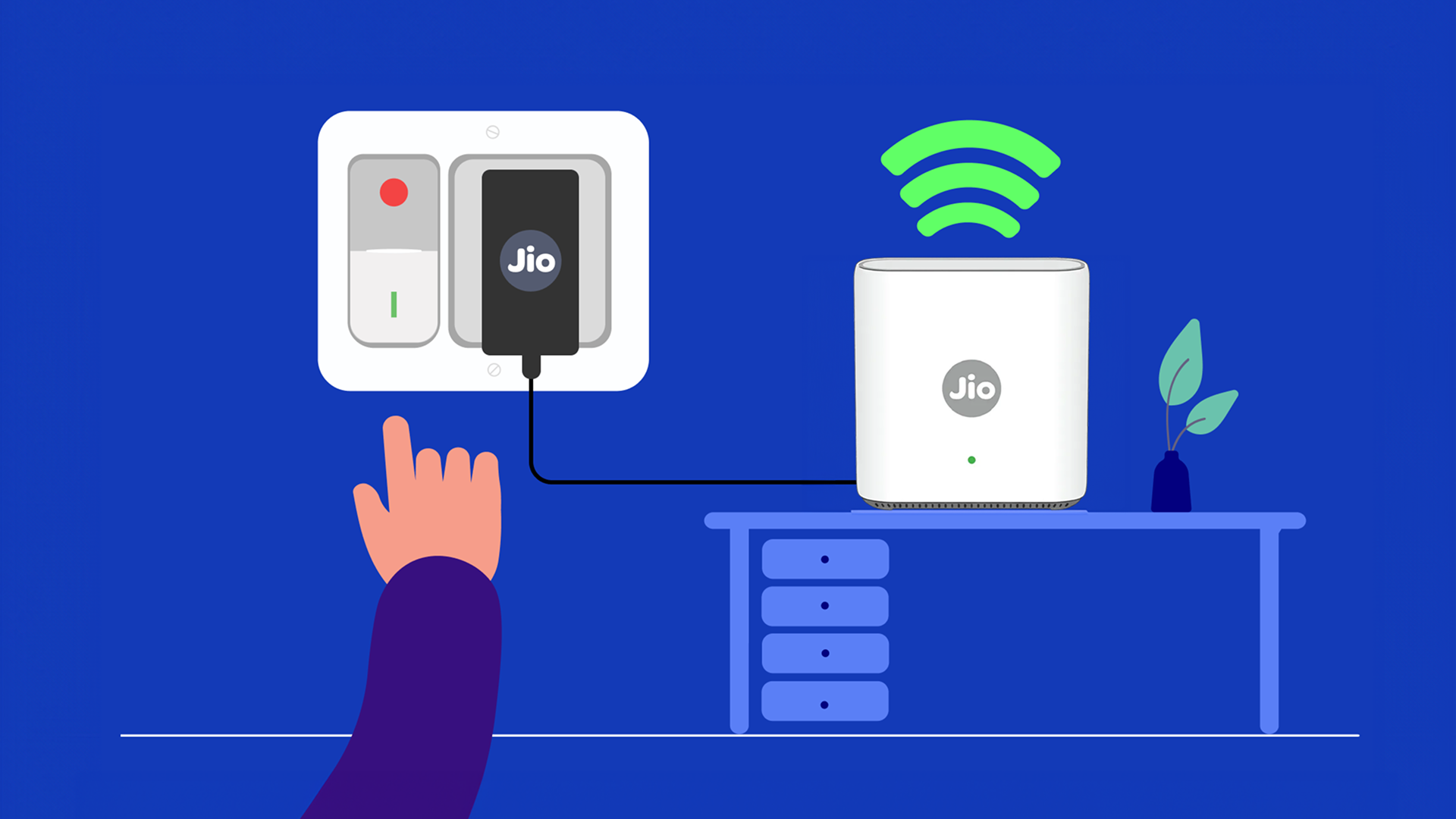
- Like any electronic device, your router can slow down over time.
- Restarting your router clears its memory, refreshes the network connection, and automatically resolves minor speed or connectivity issues caused by prolonged operation.
- We recommend restarting your router once a month to ensure peak performance.
Related Tips
Choose the Right Wi-Fi Frequency (2.4GHz/5GHz)
![[object Object]](https://myjiostatic.cdn.jio.com/cms/assets/support/helpful-tips/jiofiber/choose-the-right-frequency-27112025.png)
Choose the Right Wi-Fi Frequency (2.4GHz/5GHz)
Run Diagnostics on JioHome To Check Status and Fix Issues
![[object Object]](https://jep-asset.akamaized.net/cms/assets/support/helpful-tips/jiofiber/run-diagnostics-fiber.png)
Run Diagnostics on JioHome To Check Status and Fix Issues
Limit the number of devices using Wi-Fi
![[object Object]](https://jep-asset.akamaized.net/cms/assets/support/helpful-tips/jiofiber/limit-the-number-of-connected-devices.png)

