Keep your router away from interfering appliances
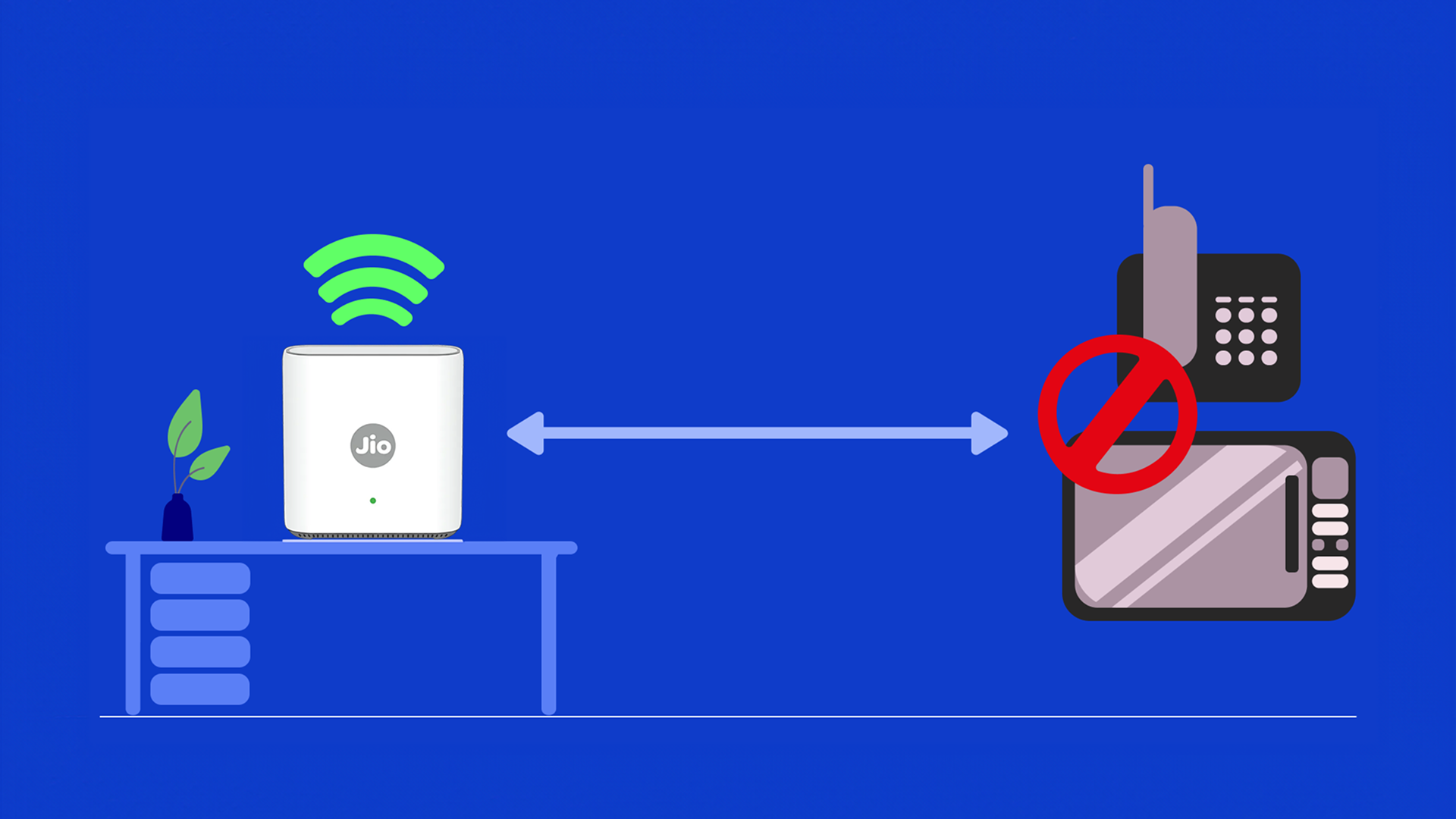
- Common household appliances like microwaves, cordless phones, and Bluetooth speakers operate on frequencies (often 2.4GHz) that can directly interfere with your Wi-Fi signal.
- To prevent disruption and slow speeds, position your router at least several feet away from these devices and any large metal objects.
Related Tips
Choose the Right Wi-Fi Frequency (2.4GHz/5GHz)
![[object Object]](https://myjiostatic.cdn.jio.com/cms/assets/support/helpful-tips/jiofiber/choose-the-right-frequency-27112025.png)
Choose the Right Wi-Fi Frequency (2.4GHz/5GHz)
Restart your router periodically
![[object Object]](https://myjiostatic.cdn.jio.com/cms/assets/support/helpful-tips/jiofiber/reboot-your-router-27112025-v1.png)
Restart your router periodically
Run Diagnostics on JioHome To Check Status and Fix Issues
![[object Object]](https://jep-asset.akamaized.net/cms/assets/support/helpful-tips/jiofiber/run-diagnostics-fiber.png)

